This post is sponsored by Naver Shopping Connect.
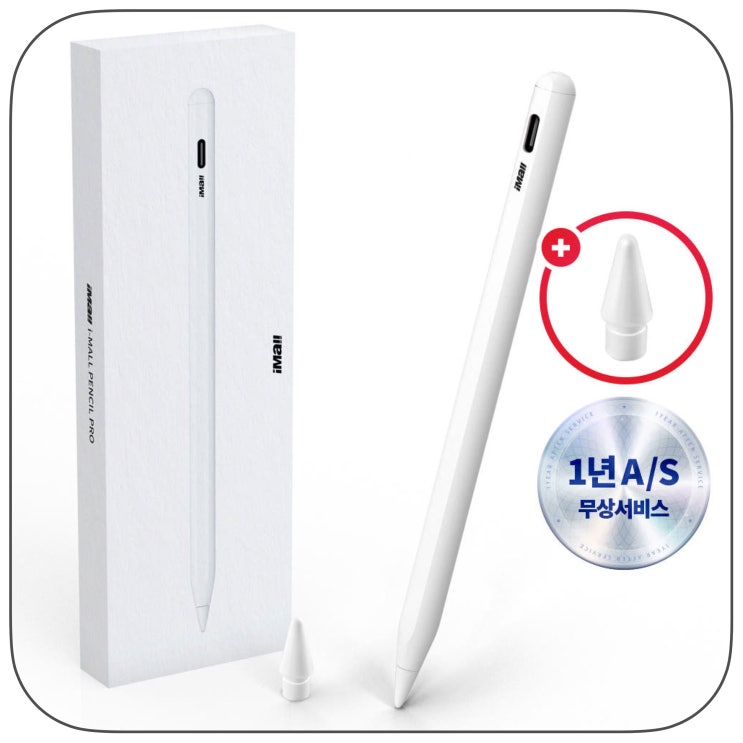
If you frequently take notes or annotate PDFs on your iPad, choosing the right pencil can be a tough decision. The official Apple Pencil is the most reliable option, but if your use mainly involves simple writing and meeting notes, the price might feel steep. It gets even trickier when you use a secondary device like the iPad Mini, since pencil compatibility varies across models. So, this time, I revisited the Imall budget Apple Pencil touch pen.
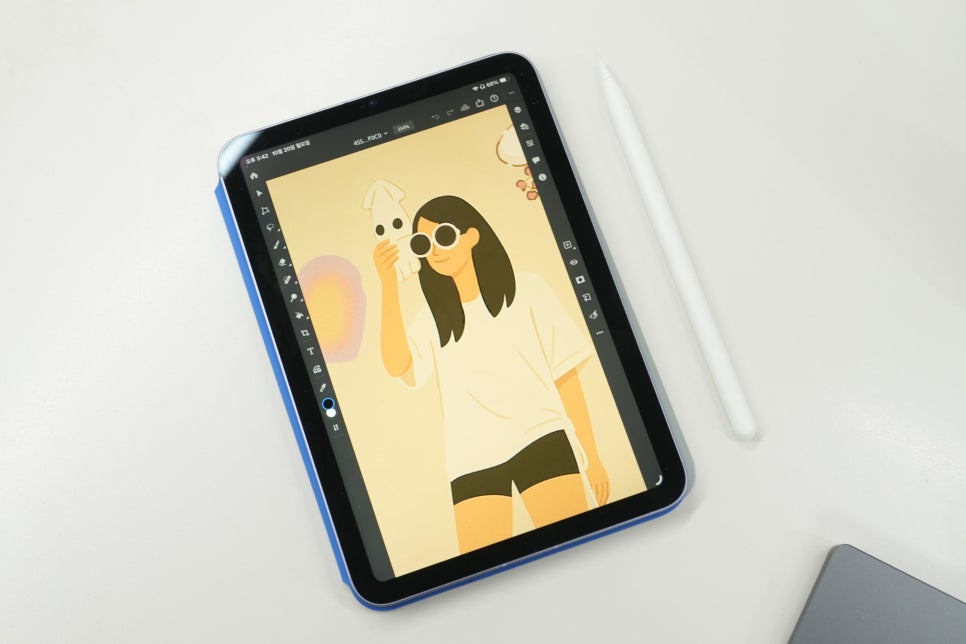
Why I Considered Imall Products
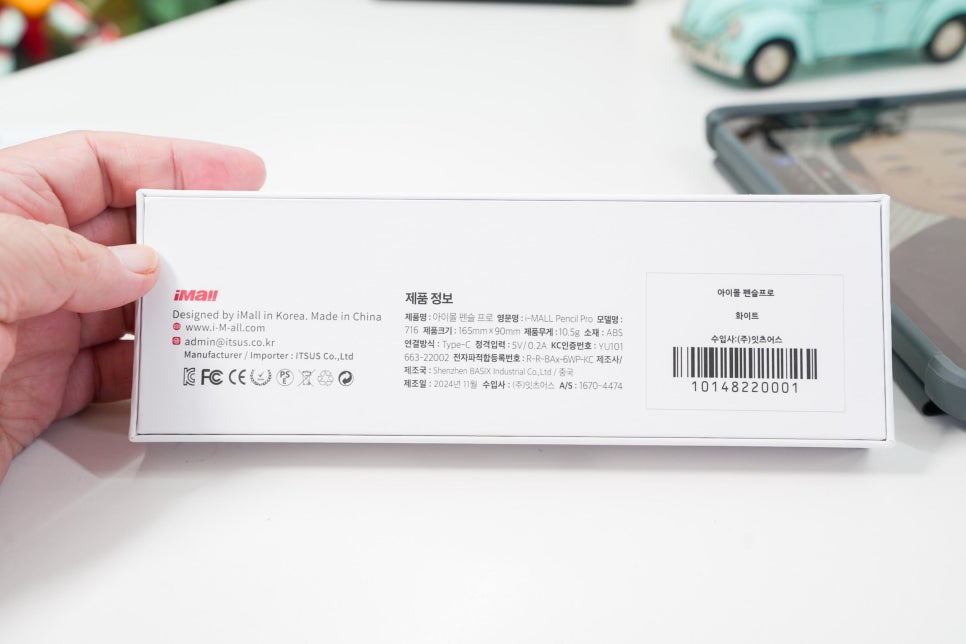
Recently, Apple Pencil Pro and the existing 2nd generation model have divided iPad users, making it hard to use one pencil across all devices. Buying an additional official pencil for a device used occasionally can be costly, yet using any generic stylus raises concerns about writing feel and connection stability. The Imall budget Apple Pencil strikes a practical balance between affordability and the essential features. Its packaging and contents are straightforward.
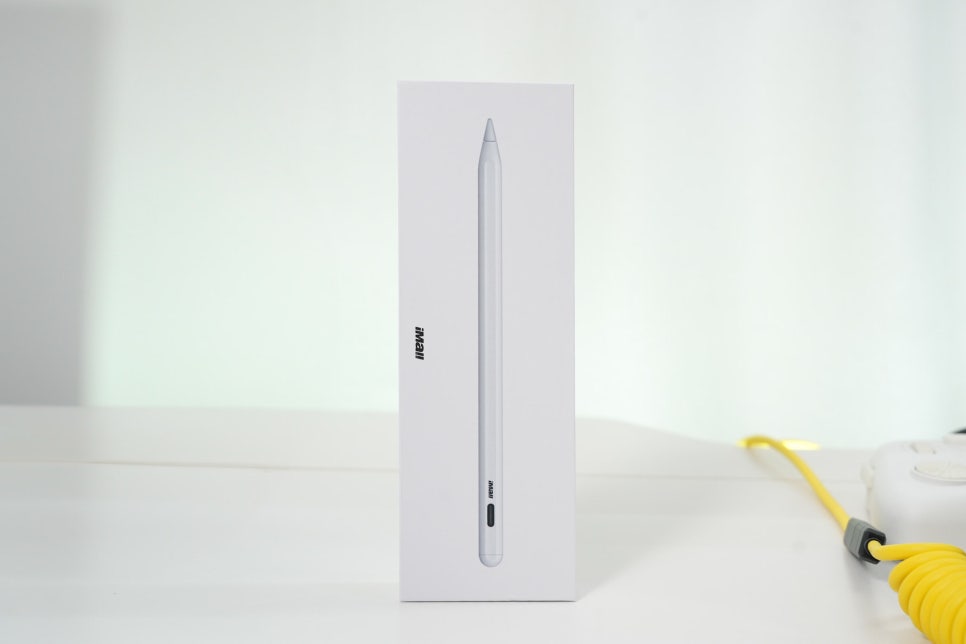
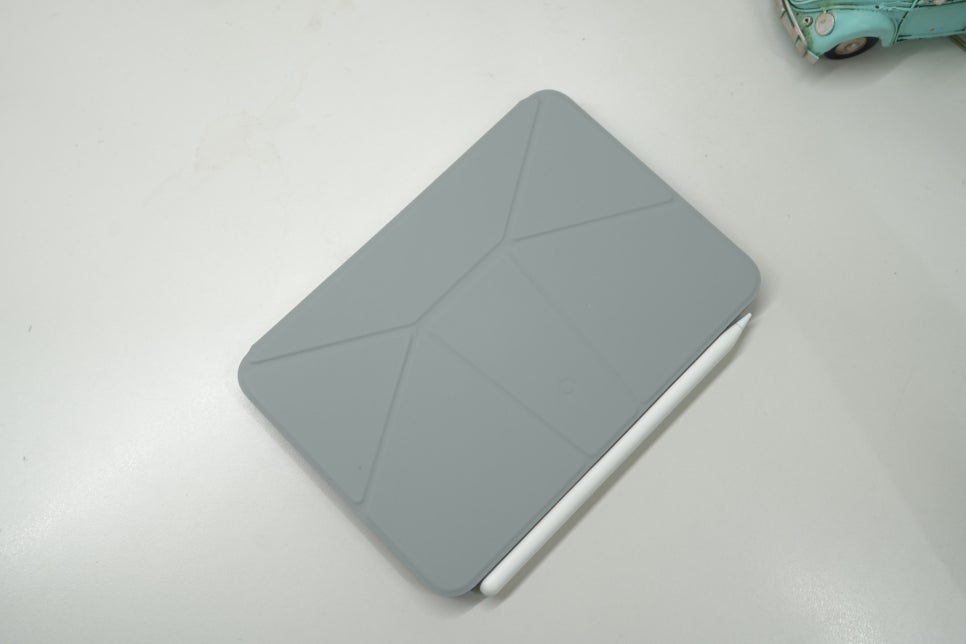
Inside the box, you'll find the pencil body, a charging cable, and extra nibs. The first impression leans towards a neat design similar to the official pencil, with a matte finish that isn't slippery in hand. The length is familiar to those used to pencil-type styluses, so adaptation time is minimal. Though lightweight, it doesn't feel too flimsy, making a noticeable difference during longer writing sessions rather than quick notes.
Bluetooth Pairing Is Simple
Turn on the power, find 'Stylus Pen' in the device settings, and connect to start using it immediately. There's no need to install a dedicated app, making it accessible even for first-time users. The LED indicates connection status and charging progress clearly. Beyond the initial pairing, seamless reconnection when picking it up afterward is crucial—and this worked without hassle. This product supports both wireless and wired charging.
Wireless and Wired Charging Options
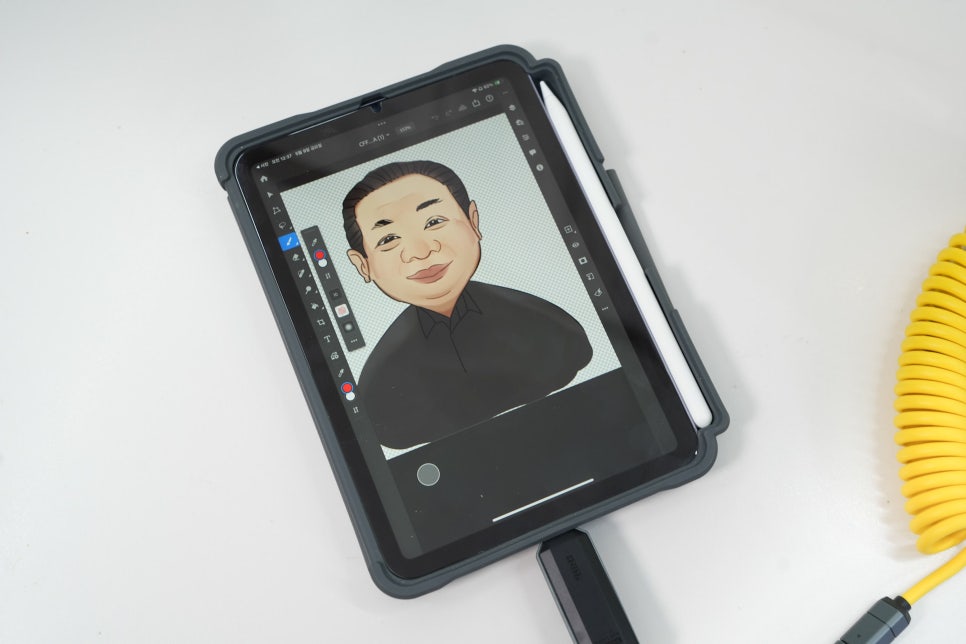
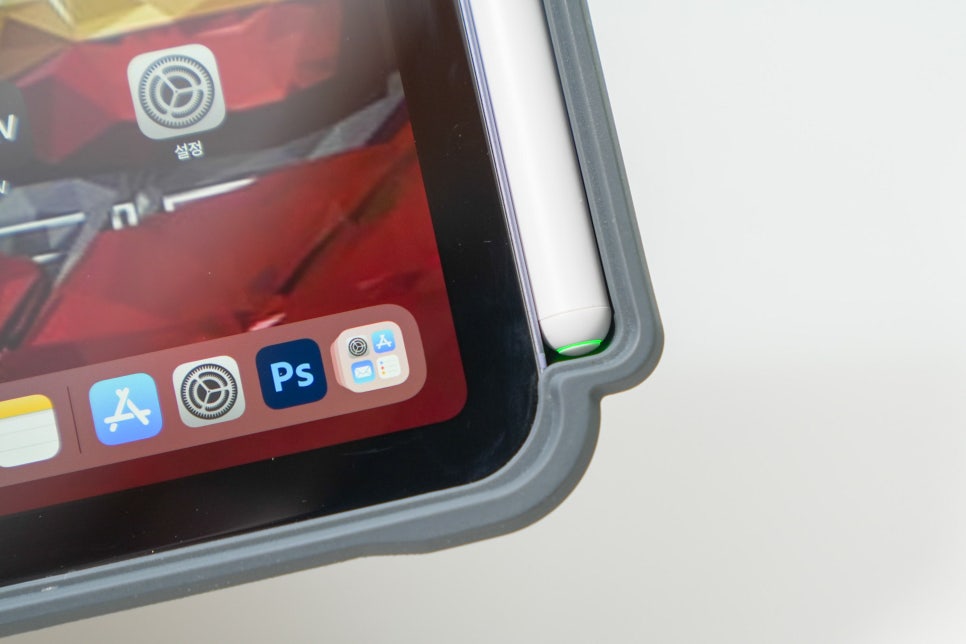
The pencil supports wireless charging via a magnetic attachment on the desk, while also allowing USB-C wired charging for use on the go. Having wired charging is reassuring in environments like cafes or during business trips where charging conditions vary. Unless you’re drawing all day, battery life isn’t a frequent worry.
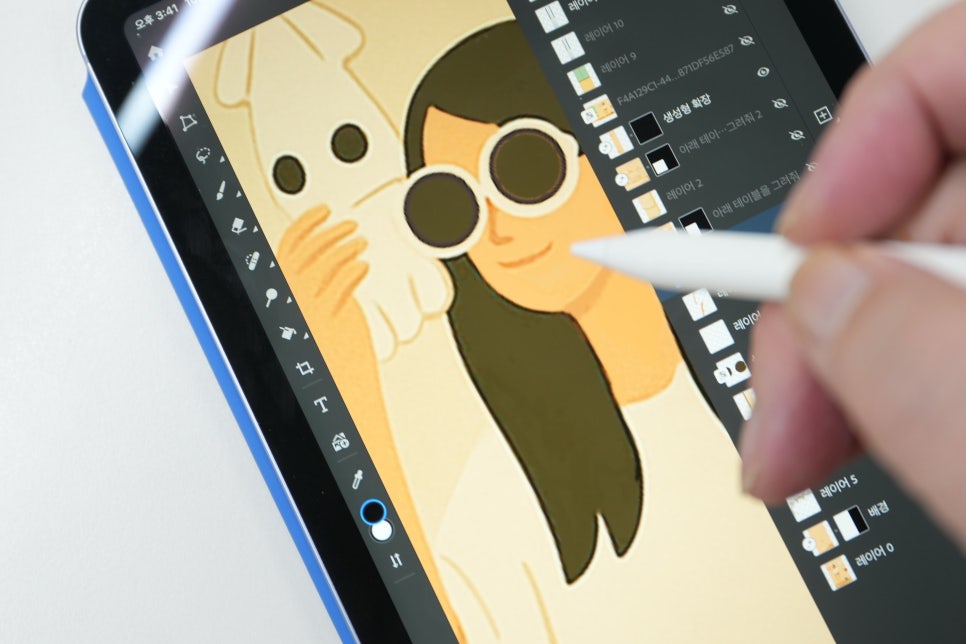
Natural Writing Feeling Considering the Price
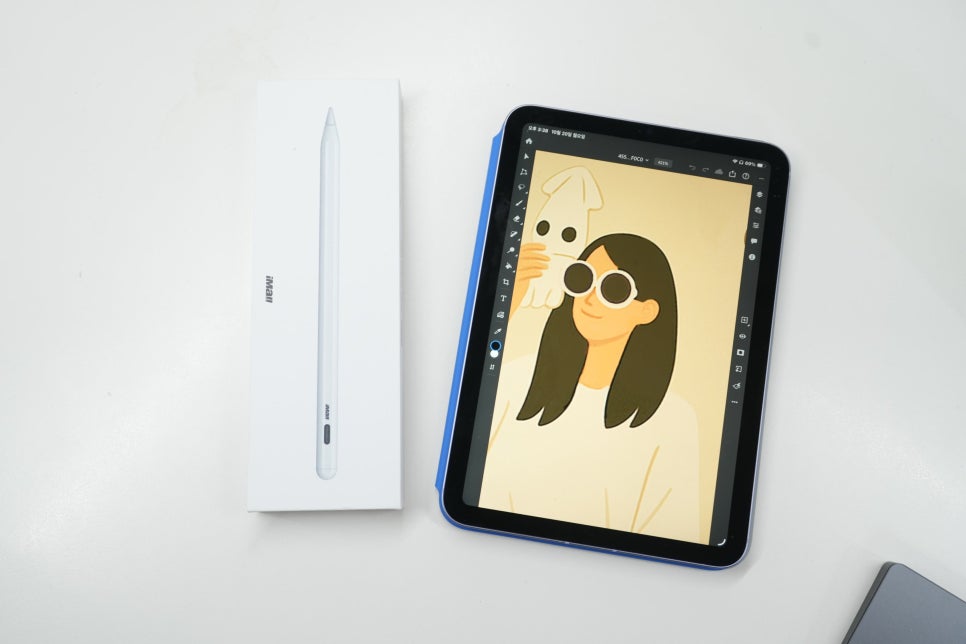
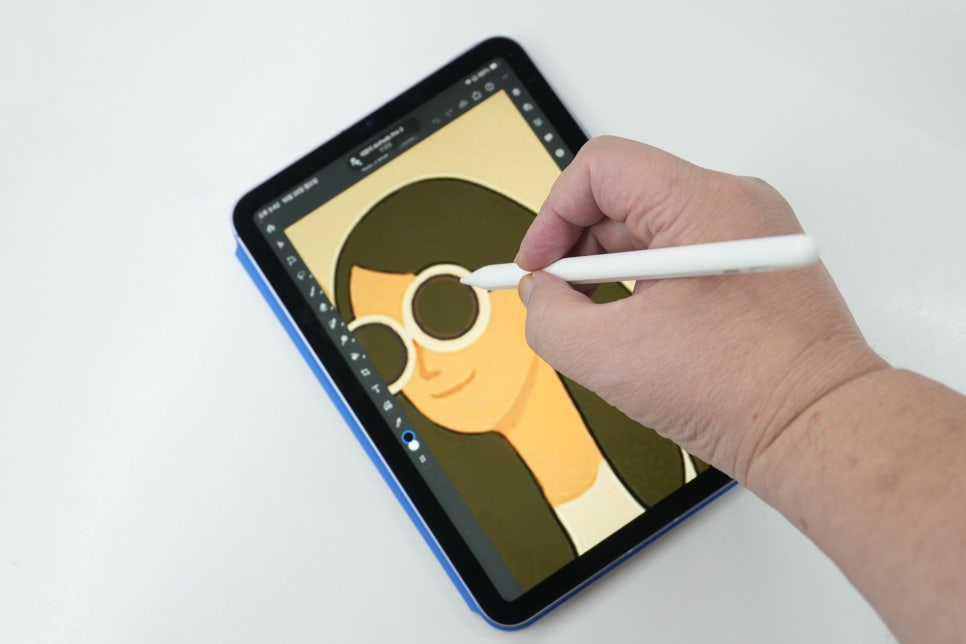
The most important factor when choosing a budget Apple Pencil is how naturally the lines follow your pen strokes, more than just the specs. Some cheap pencils show lag where your hand moves but the line trails behind. The Imall stylus responds quickly in note-taking apps and PDF annotations, with minimal breakage even at faster writing speeds. It’s not quite on par with the official pencil for detailed illustration work but is more than sufficient for meeting notes and document markup.
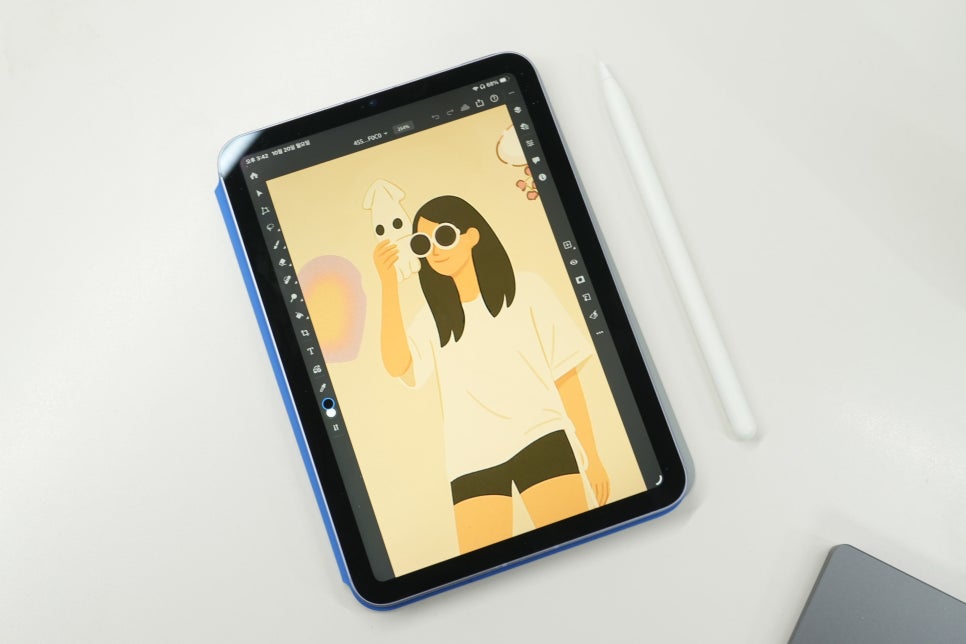
Palm Rejection and Tilt Features Work Together
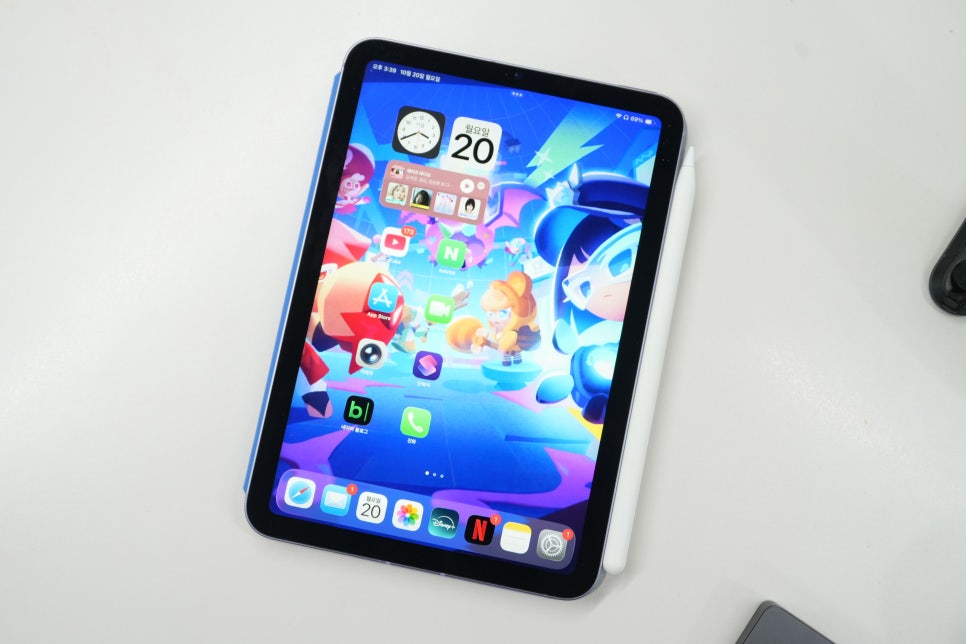
If you tend to rest your palm on the screen while writing, palm rejection is critical. A weak feature here causes the screen to move or unwanted marks to appear, disrupting your flow. The Imall pencil handled this reliably even with the palm resting on the display. It also supports tilt functionality, letting you adjust stroke styles by tilting the pencil, though it’s better suited for light sketches and annotations rather than professional drawing.