This post is sponsored by Naver Brand Connect.
.jpg?type=w966)
When you carry a laptop every day, the first things you notice before performance are its weight and screen size. Even if the specs look similar on paper, there’s a real difference in portability and usability when you carry it in your bag or open it at a cafe to work on documents. The HP OmniBook 5, which I’m reviewing today, focuses on being a solid daily laptop suitable for work, study, and everyday tasks all in one device. In the past, laptops with strong performance tended to be thick and heavy, while lightweight models often compromised on screen quality or finish. The HP OmniBook 5 feels like it strikes a fresh balance with a renewed design, slim bezels, and an aluminum top cover.
First Impressions When Opening the Box
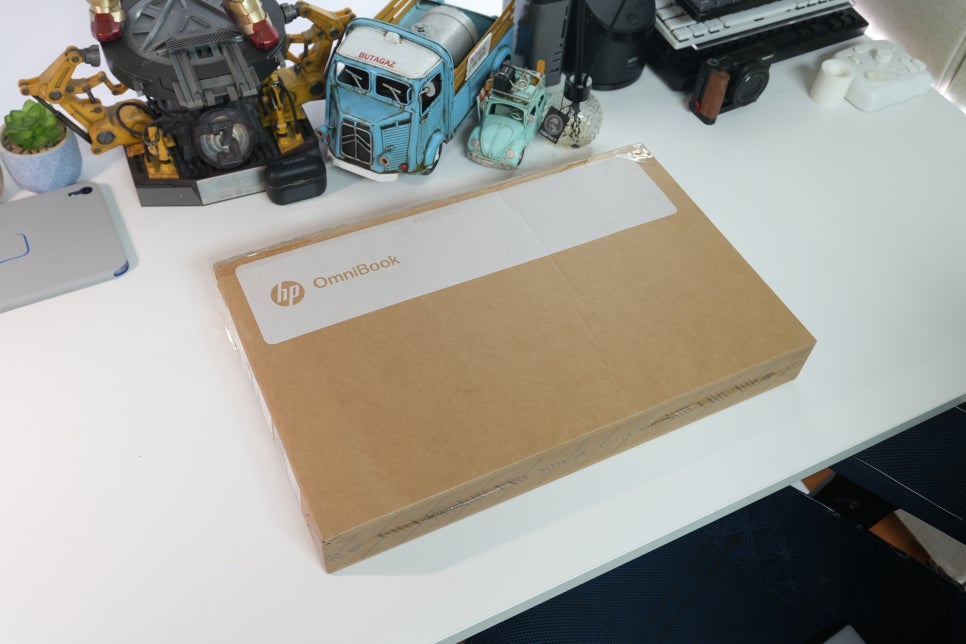
The most striking change right out of the box was the overall presentation. Inside the neat packaging, the laptop and accessories are neatly organized. When you lift the laptop, the aluminum texture on the lid stands out first. Since this is a device you touch daily, that first impression matters more than you might expect.
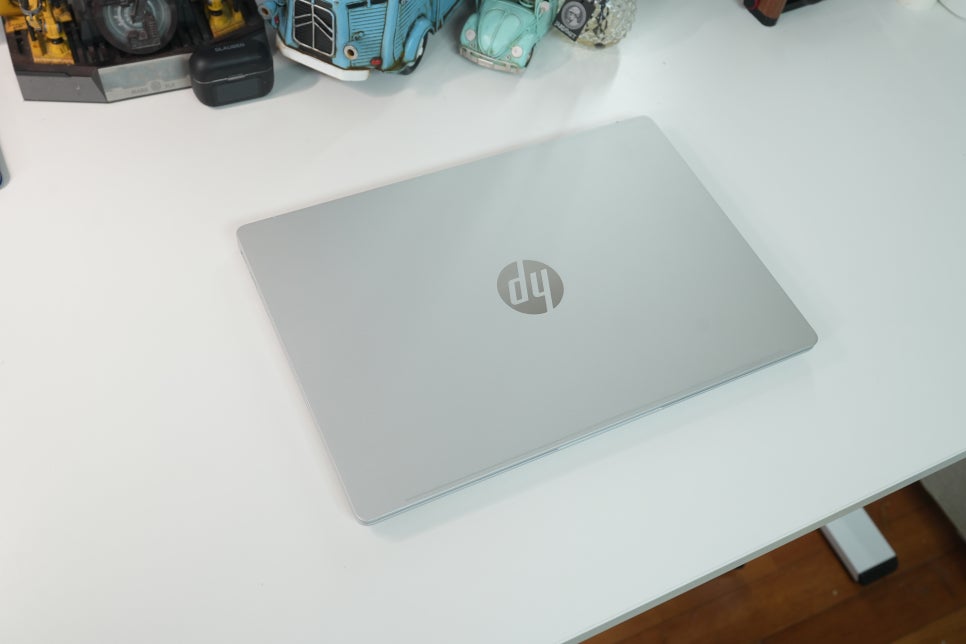
Compared to its predecessor, the design approach has shifted quite a bit. It’s not just a logo or color change — the screen bezel, lid lines, and corner finishes have all been refined for a cleaner look. It looks subdued on a desk and doesn’t feel overwhelming when opened on a cafe table.
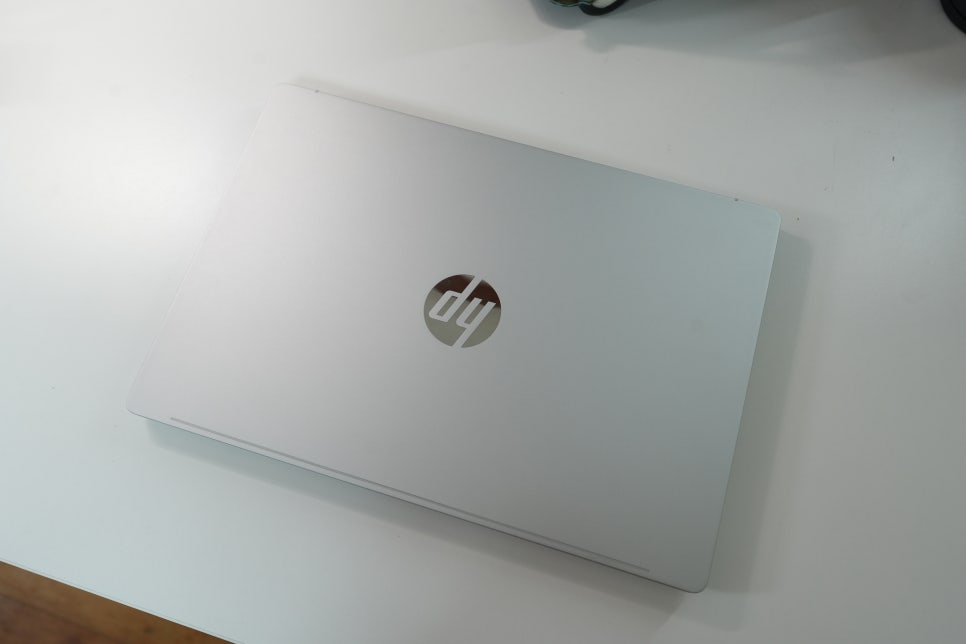
Understanding the 14-inch vs.
16-inch Models
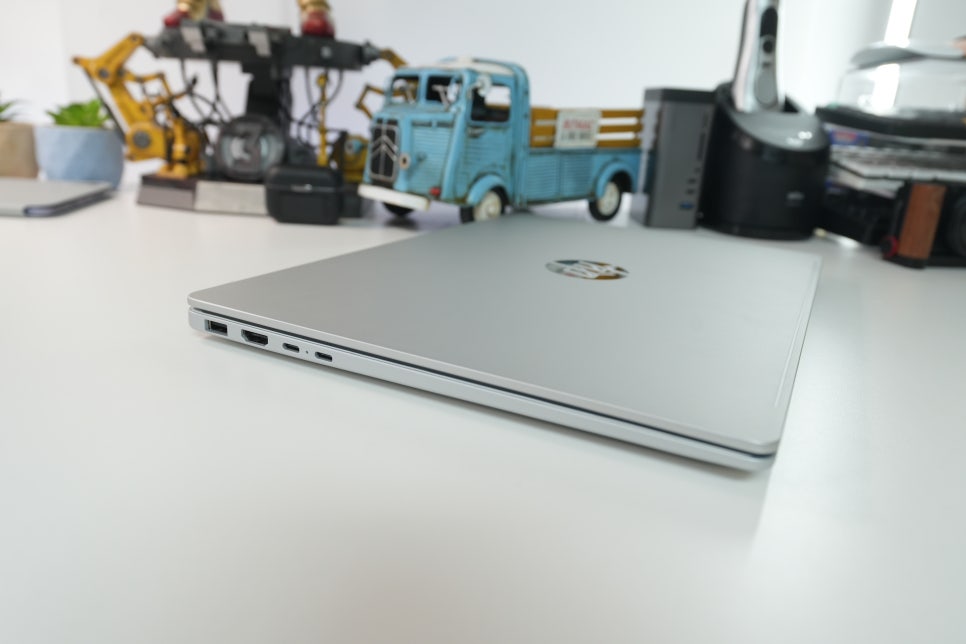
When considering the HP OmniBook 5 16-bp0008AU, it's helpful to first differentiate the screen sizes. The 14-inch model offers a balanced combination of portability and workspace. If your work involves a lot of document writing, blogging, attending online classes, or checking emails, the 14-inch feels more natural.

The 16-inch model suits those who prefer a wider display area. It makes a difference when you want to place documents and browsers side by side, or view lecture videos alongside notes. Despite the larger screen, its slim design keeps it sleek, making it a good choice for users frequently moving between home and office.
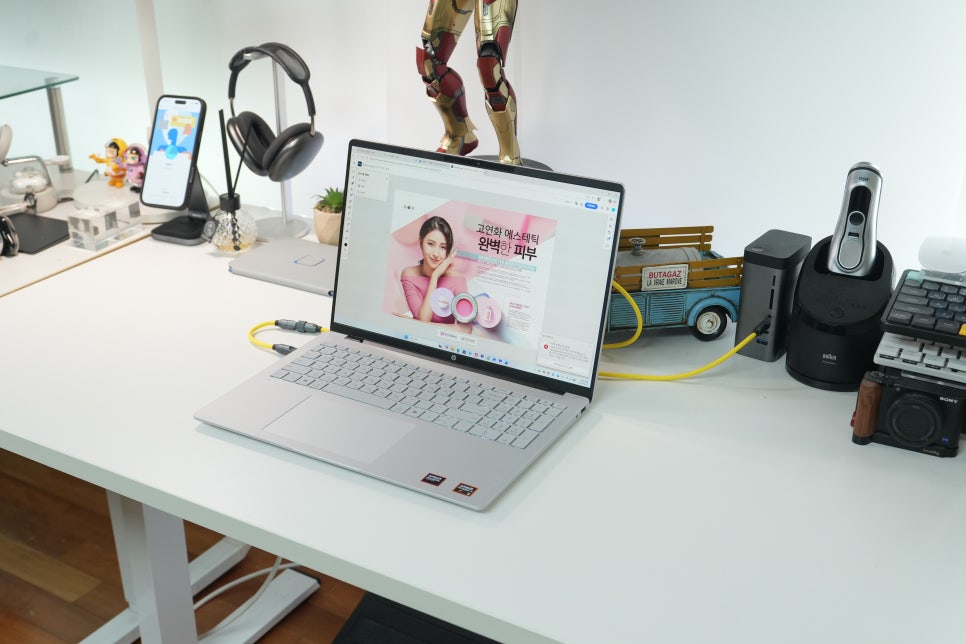
The Impact of Slim Bezels
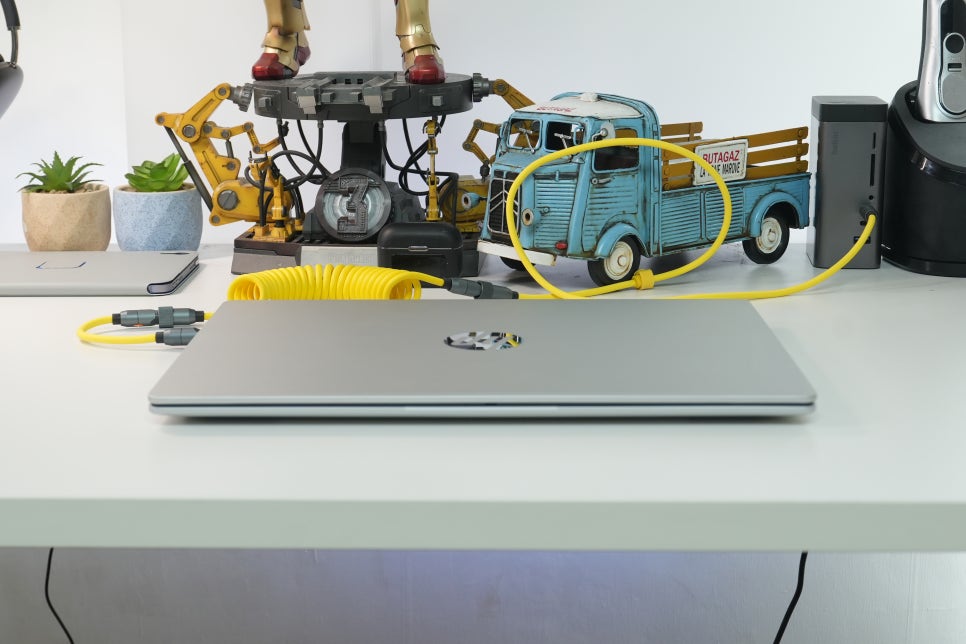
A laptop's bezel thickness is just as important as screen size. Thick bezels make the device look bulkier and increase the volume when packed in a bag. The HP OmniBook 5’s slender bezels create a more expansive screen view and make the laptop feel compact. When writing blog posts or researching, the reduced side margins improve focus. Watching videos also feels less confined, strengthening the impression of a well-rounded daily-use laptop.
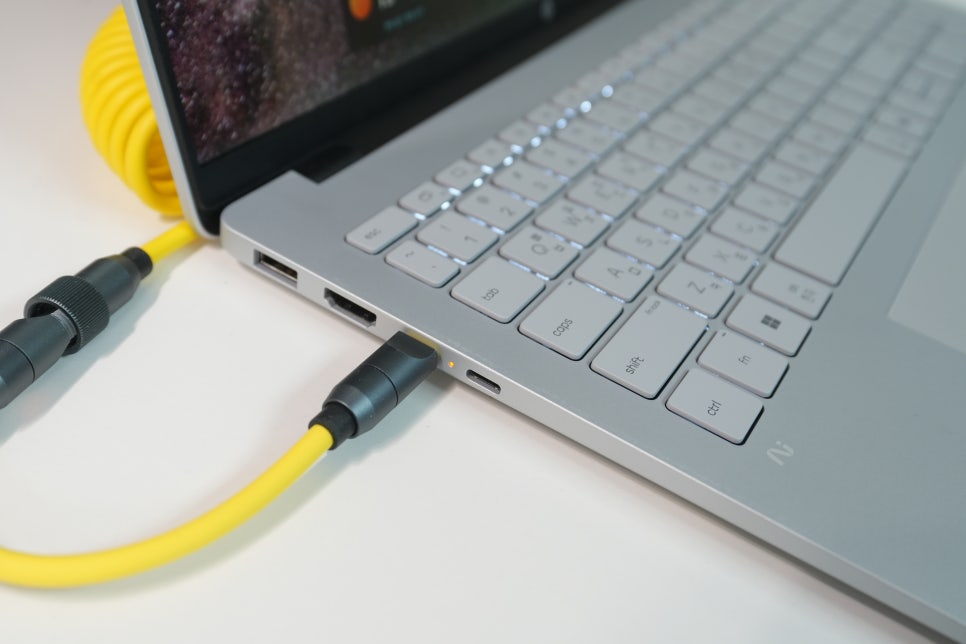
Portability Matters Most for Daily Users
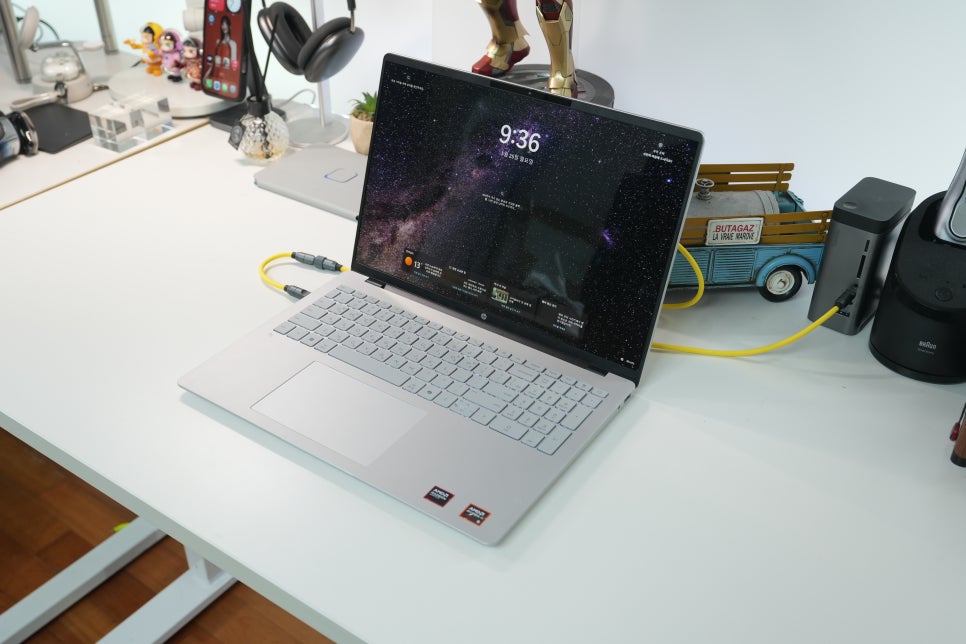
Portability in a daily laptop means more than just being lightweight. It's about how easily it fits in your bag and how quickly you can resume work when you take it out in public. Thanks to its compact size and slim profile, the HP OmniBook 5 fits nicely into backpacks. For those like me who often write and organize photos or browse the web, frequently pulling out the laptop is common. If a device is large and heavy, even brief tasks get postponed. This model is easy to open and use immediately at cafes or meeting rooms, making email checks or document edits more convenient.
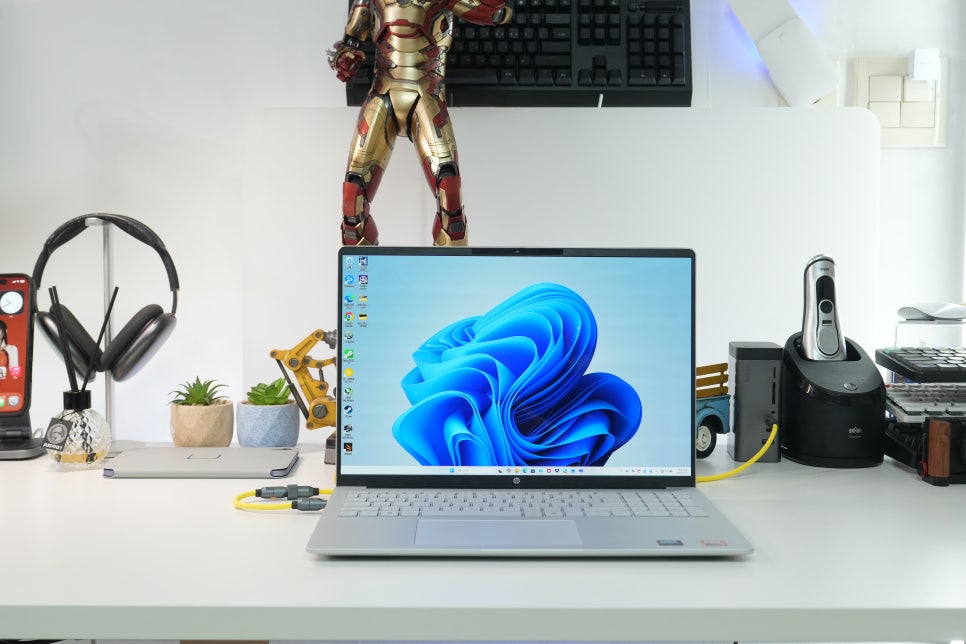
Solid Performance for Everyday Tasks
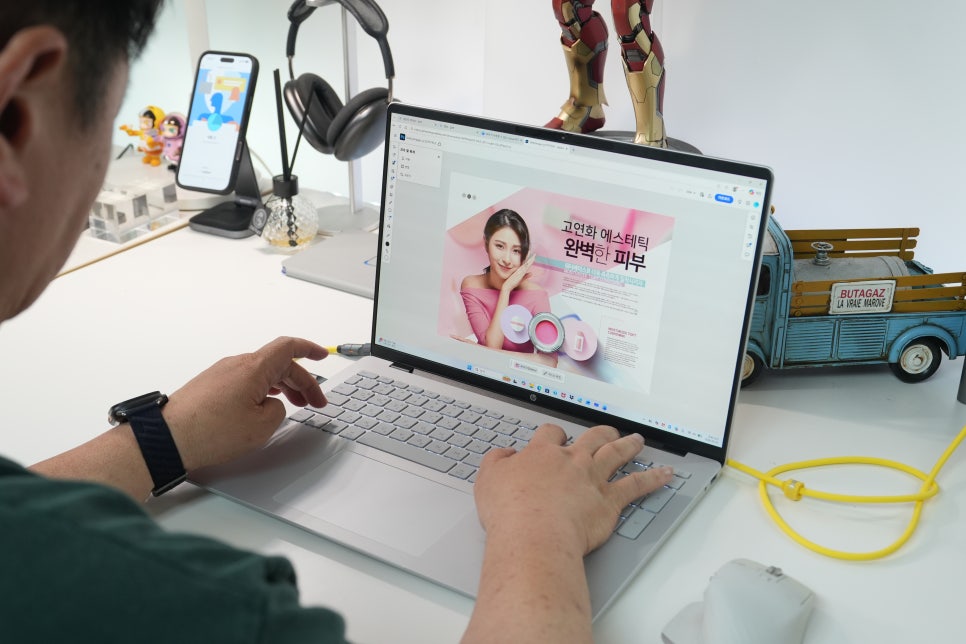
The HP OmniBook 5 isn’t designed for high-end gaming or professional video editing, but it handles work, study, and everyday content consumption reliably. Opening multiple browser tabs, editing documents, or reviewing resources while on video calls all run smoothly. Modern laptops often juggle messaging apps, browsers, editors, and cloud storage simultaneously, so stable responsiveness is essential for long-term usability. The OmniBook 5 fits well for both learning and office environments.
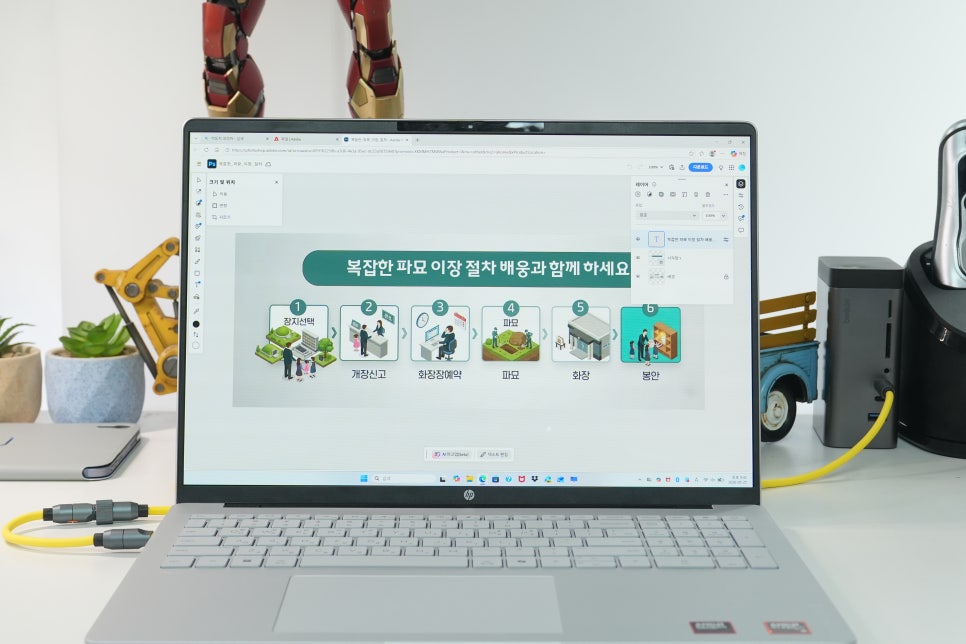
Design That’s Comfortable to Use Over Time