This post was created to support DTEK marketing.
.jpg?type=w966)
Nowadays, choosing a laptop isn’t as simple as it used to be when considering only document work and web browsing. Especially when integrating generative AI into work, you start distinguishing whether a computer is for direct use or for running longer tasks. I currently handle brand blog management, website creation, search registrations, and keyword trend monitoring all at once. While I write content on one side, an AI agent reads files, organizes them, or continues repetitive tasks on the other.
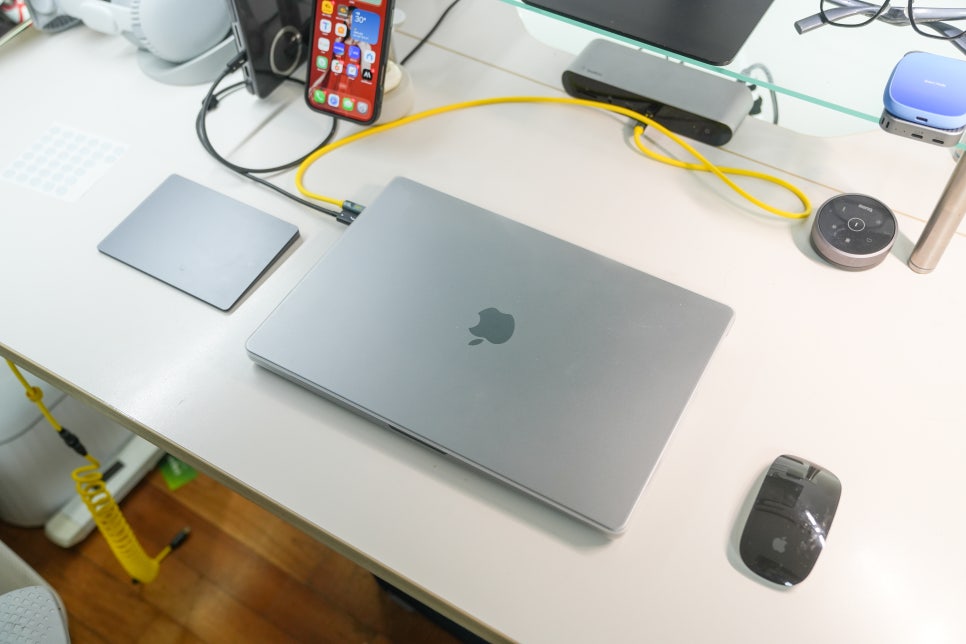
Because of this workflow, when looking at used laptops, I prioritize performance durability and task stability over just low prices.
Why I reconsidered used laptops
Previously, I used an M1 Pro, but with AI agents, I needed a higher-performance model. Although the MacBook Pro M1 Max has been out for a while, it was a top-tier model for demanding tasks back then, making its uses still distinct from regular laptops today.
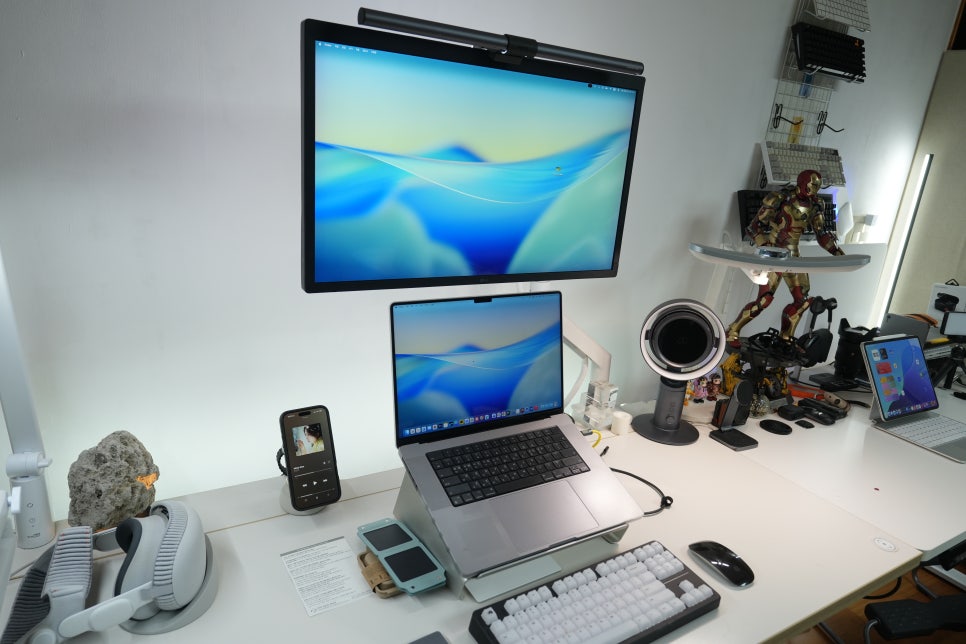
When evaluating used laptops, the key is not the model year but the tasks you’ll assign to it. Lightweight laptops suffice for writing blog posts, organizing images, updating websites, connecting external monitors, and backing up files. But if you run long tasks or open multiple browsers and editing apps together, having a more capable machine makes the workflow much smoother.

Why choose the M1 Max MacBook Pro?
The M1 Max MacBook Pro was introduced early in Apple's silicon transition as a high-performance model. According to Apple’s specs, you can get configurations with a 10-core CPU, up to 32-core GPU, and 16-core Neural Engine, alongside plenty of unified memory. More important than just the specs is that this setup excels with prolonged workloads.
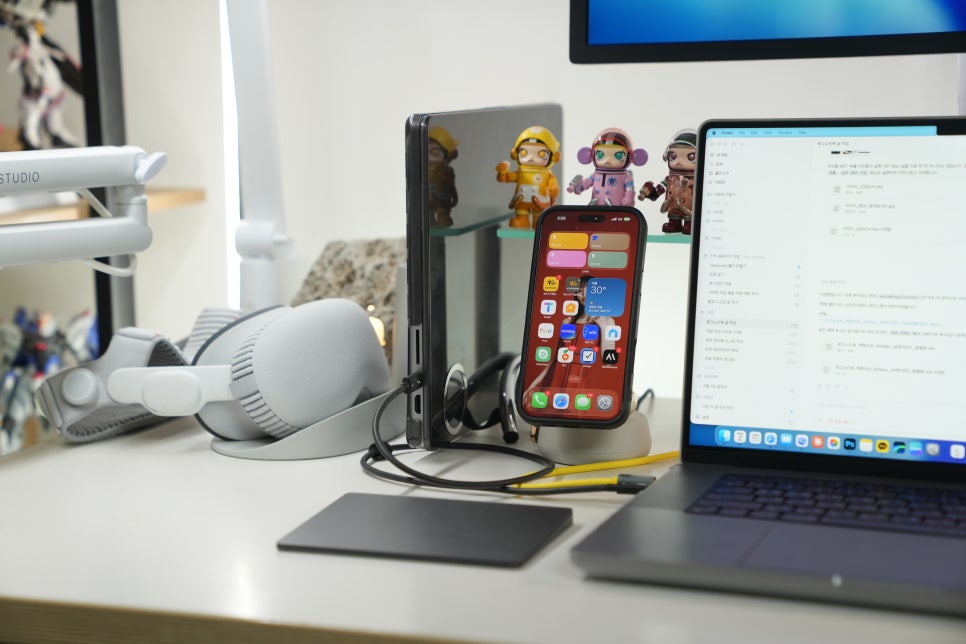
Using AI agents doesn’t mean all processing happens solely on the laptop. Still, opening browsers, terminals, code editors, image folders, and document files simultaneously makes memory availability and heat management noticeably important. The M1 Max MacBook Pro handles such multitasking environments with less lag and frustration.

Using AI agents Codex and Claude Code together
Currently, my computing setup is similar to what it was 10 years ago. Back then, due to performance limits, I used a MacBook and Windows desktop side by side. For a while, the iPad Pro’s performance allowed solo work exceeding human workloads. But now, with AI agents enabling me to handle 2–3 people’s tasks alone, I’m using a used MacBook Pro M1 Max.
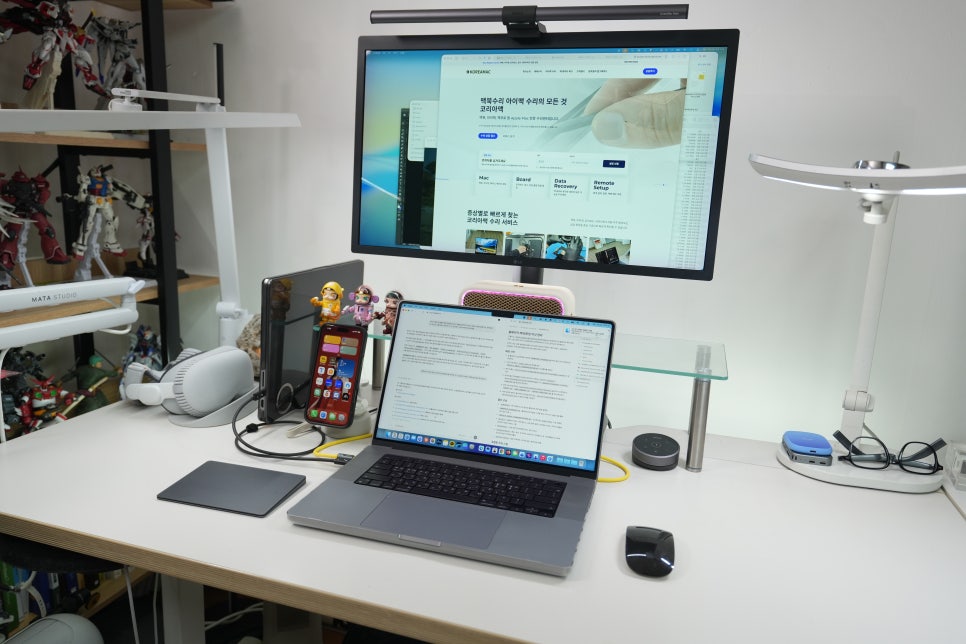
Right next to it, I have a MacBook Pro M1 Pro in clamshell mode as a secondary computer.
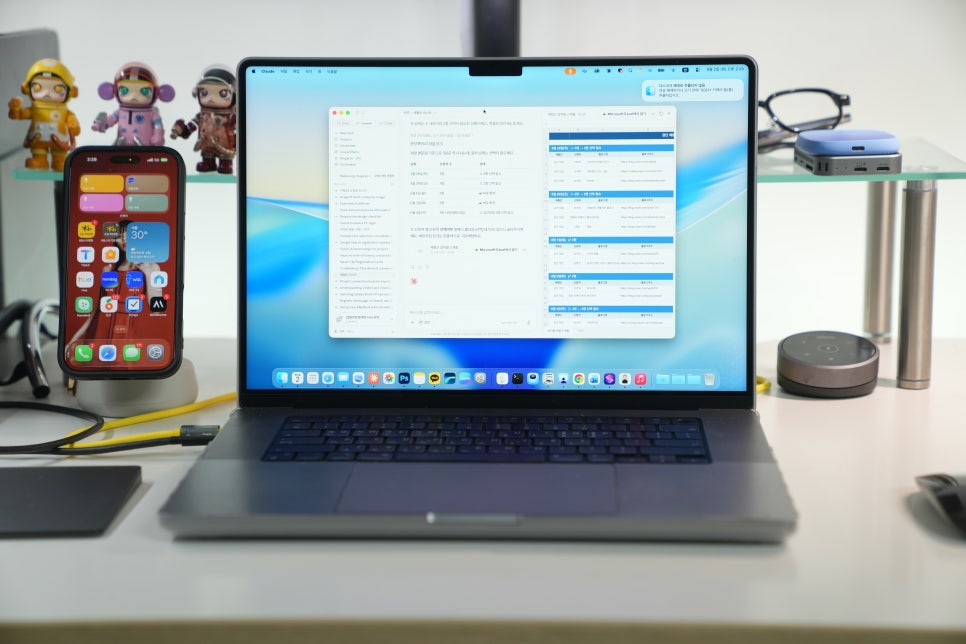
If you look at the monitor, it shows the MacBook screen, set up to send work from the secondary computer and monitor progress. For AI agents, I’m using Codex and Claude Code together—Codex for automation tasks and Claude Code for data management related to review panels and the like.

The noticeable difference in AI tasks
Using AI agents changes how you use a laptop. Previously, users typed directly and waited for results. Now, you can delegate one task while writing a different article, organizing search results, or checking image folders simultaneously.

In this environment, smooth workflow is more important than simple benchmark scores. Stability when connecting external monitors, running multiple apps, and managing long browser automations or file reviews is crucial. The M1 Max remains an attractive used laptop for such prolonged workloads.

Relying on just one laptop often means limited screen space and frequent interruptions. It’s more convenient to use one as a main work device and another as a support machine. The used MacBook Pro M1 Max is balanced enough to serve as either a secondary device or a main computer with leftover power.