This post was written to support KoreaMac's marketing efforts.
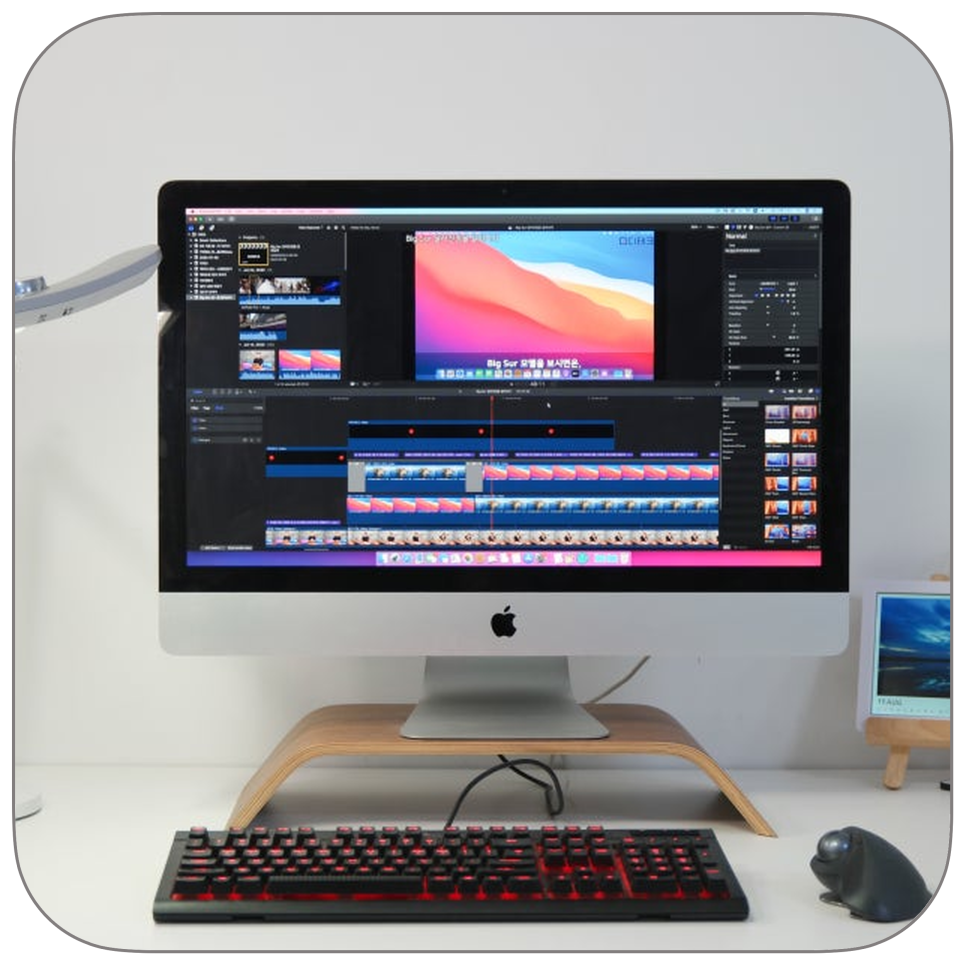
While an iMac looks neat on a desk, it can be much more challenging to carry it out for repair than you might expect. The 27-inch iMac in particular has a large screen and integrates the body and display into one unit, so it doesn’t feel like simply moving a monitor. Loading it into a car, taking it down elevators, and moving it without a box can cause shocks to the stand or screen. Therefore, how you safely hand over your iMac for repair is just as important as the problem itself.

At KoreaMac, we offer on-site consultation and pickup services for customers who find it difficult to visit us in person. If carrying your heavy iMac to the center is tough, you can first confirm your model and symptoms via phone or KakaoTalk, and discuss pickup options.
iMacs are sensitive to shocks during transport.
An iMac’s screen, logic board, storage, power supply, and cooling system are all housed within a single casing. Although it looks sturdy from the outside, the front glass of the screen and internal components are sensitive to impact. If the unit tilts, the stand is strained, or pressure is applied to the screen during transport, it may cause new issues beyond the original problem.
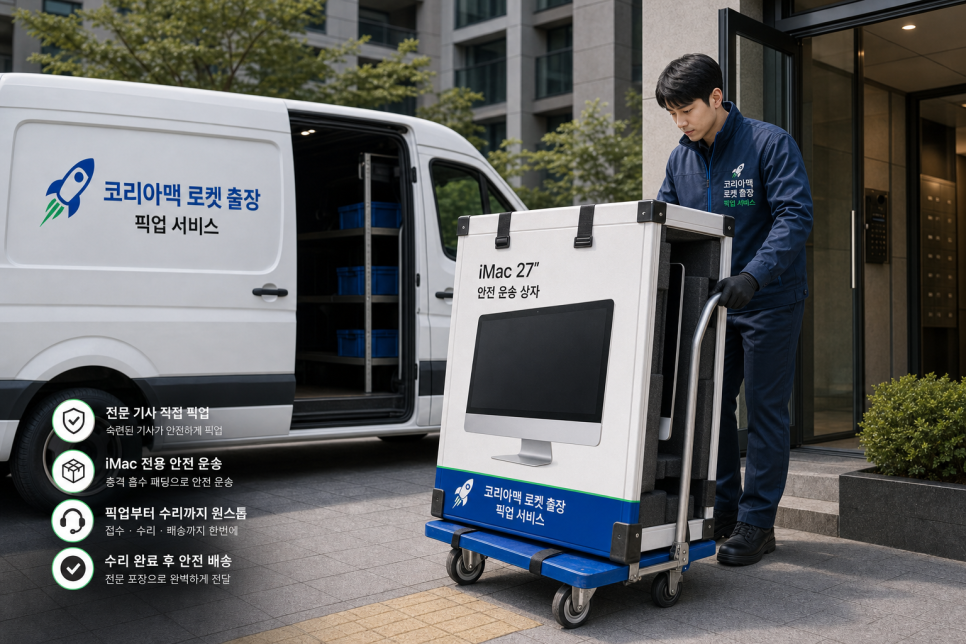
This is a common concern when bringing an iMac from home or office to a repair shop. Without the original box, it’s hard to properly protect, and even with a box, one person may find it bulky to carry. When loading into a taxi or vehicle, you also need to be careful about the screen’s orientation and securing the device. KoreaMac’s Rocket Pickup Service is designed to reduce these burdens. You don’t have to carry your heavy iMac yourself — after consultation, we can arrange pickup and delivery guidance in the safest way possible.
Here’s how to get started with Rocket Pickup:
First, we check your iMac model and the symptoms. Whether it won’t power on, has screen lines, slow boot times, loud fan noise, or storage issues will affect the consultation.
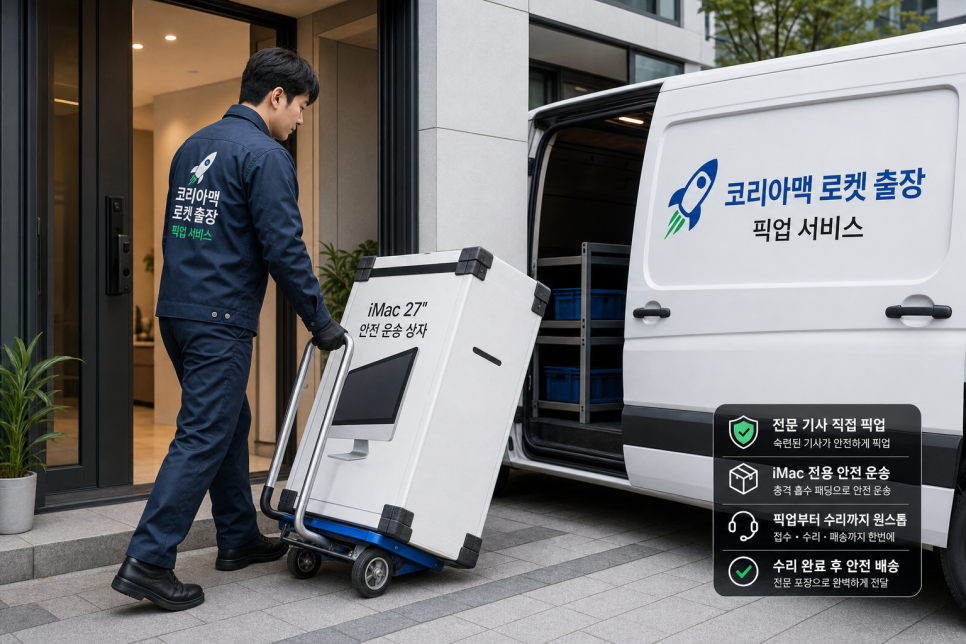
To speed up your request, please provide the following information during consultation: - iMac screen size and model year - Main symptoms such as power, display, booting, noise, storage issues - Whether data preservation is needed - Your product’s location and desired pickup area - Whether you have the original box available KoreaMac’s pickup service page guides you through a process where after a phone or KakaoTalk consultation, you can confirm if visit, on-site, pickup, or courier service is available. Advice may vary depending on your area, symptoms, and whether on-site work is possible, so starting with a consultation is best.
KoreaMac continues consultation and processing at the office.
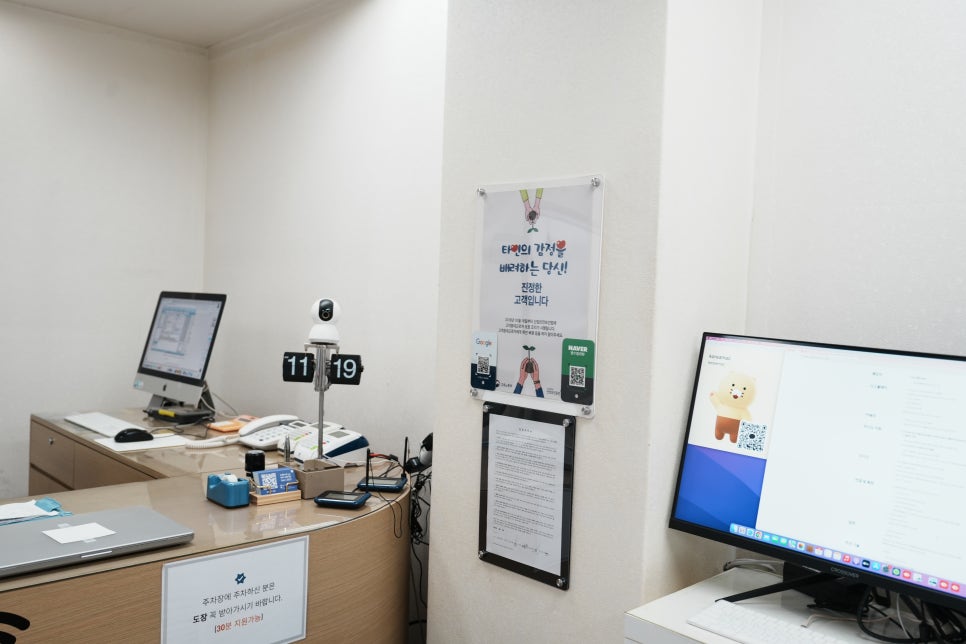
iMacs received via pickup are re-examined at KoreaMac's office based on symptoms and the information provided. Some customers visit in person, others leave products after phone or KakaoTalk consultation, so it’s good to record the model name, symptoms, and data preservation needs during consultation. Confirming the product status alongside consultation details during intake helps ensure no important information is overlooked in later checks.
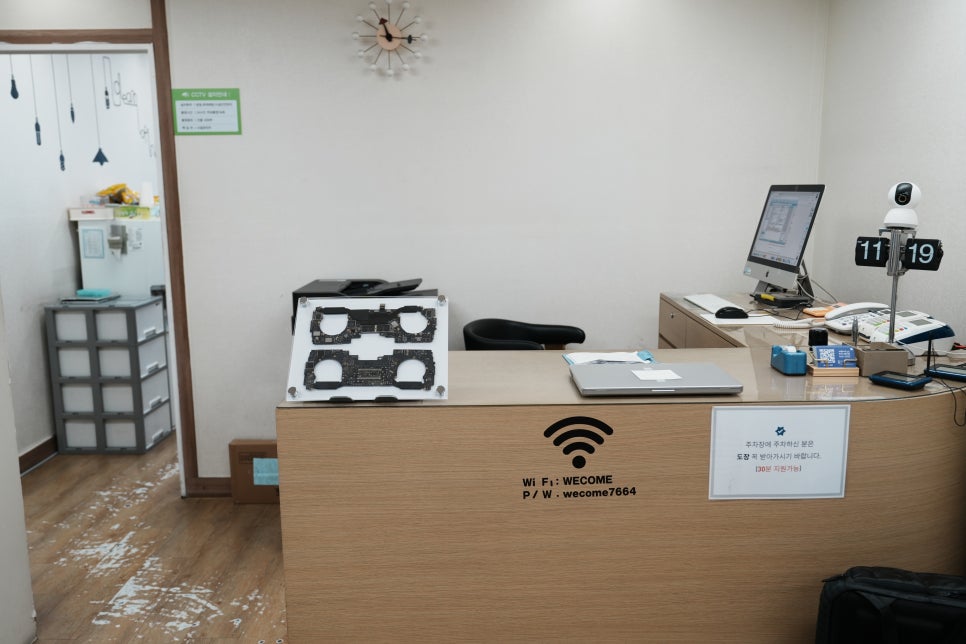
Rather than immediately disassembling upon arrival, we first check power response, screen condition, and storage recognition. Depending on the symptoms, we then decide if internal inspection is needed or if it’s a simple setting or storage issue, or if the logic board or power supply requires testing.
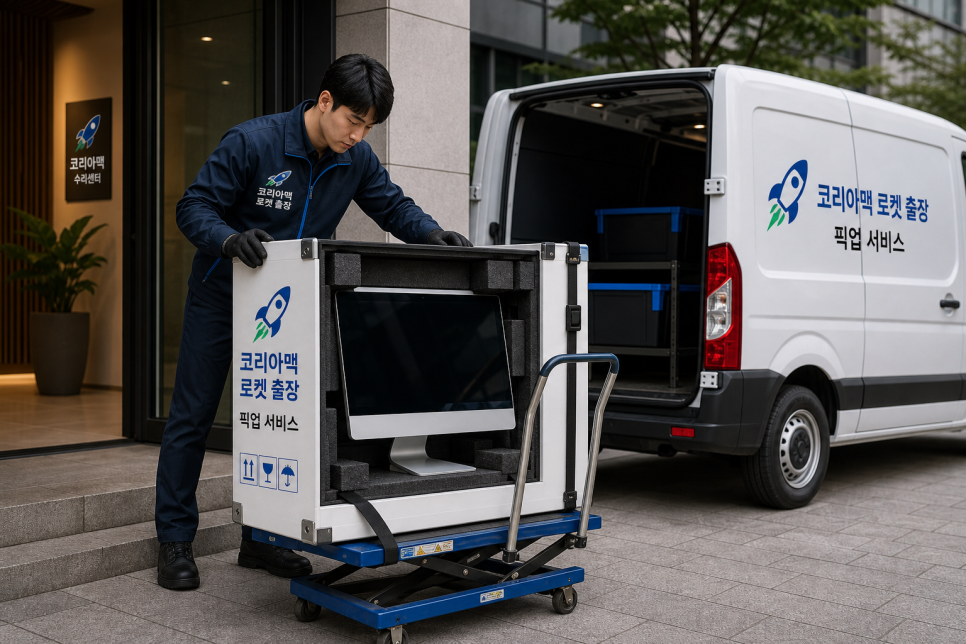
Ideal for 27-inch iMacs that are difficult to bring in yourself. The 27-inch iMac is commonly used in offices, design studios, shops, academies, hospitals, and personal workspaces. These spaces often have multiple devices set up, so disconnecting cables, removing the iMac from the desk, and moving it to a vehicle can be inconvenient.
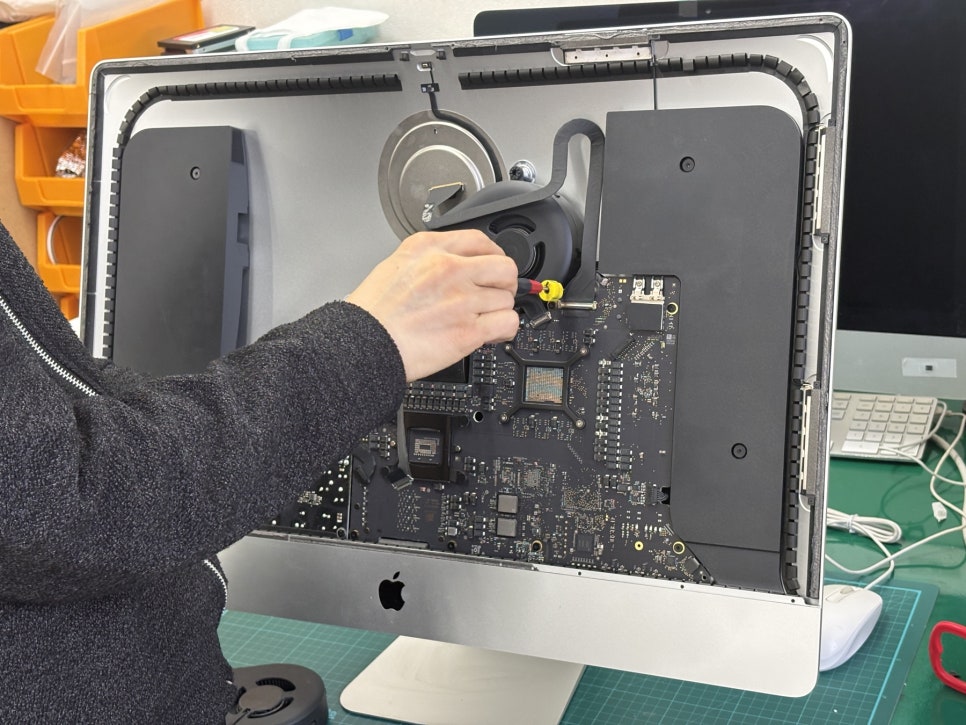
Especially where elevators are far or parking is difficult, bringing the product in yourself can be more stressful. The Rocket Pickup Service provides a safe alternative for leaving your iMac. After consulting on whether repair and pickup are possible in your area, you can proceed with inspection and repair guidance once it arrives.
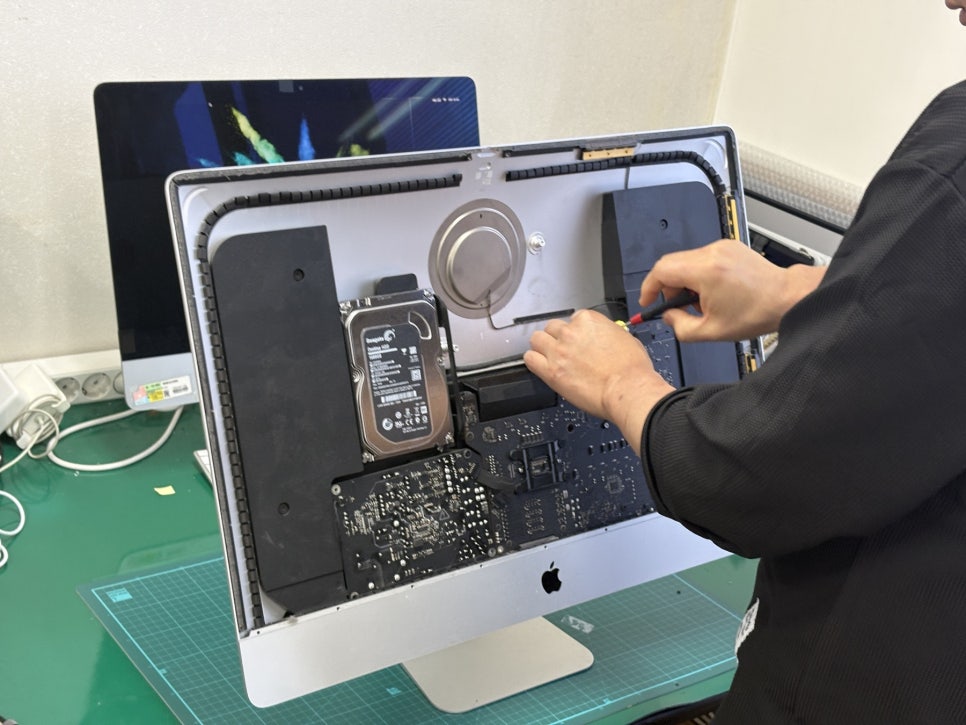
Once the iMac arrives, we check its condition first. We sequentially inspect power response, display output, boot status, fan noise, storage recognition, and heating. This process helps us distinguish whether the issue is software-related, storage or power unit problems, or if a logic board check is needed.
As internal structures vary by model, it’s important to inspect according to symptoms rather than forcing disassembly. Symptoms that look similar externally—such as boot failure, power off, screen issues, storage malfunctions, or fan noise—may have different causes.
Internal inspections are done when necessary. In such cases, we dismantle and inspect the logic board, fan, storage, and power components. Older iMacs may show signs of dust accumulation, heat issues, storage aging, or contact problems. Sometimes a single part replacement fixes the issue, but multiple overlapping causes may require precise diagnosis.