This post was written with a product provided by the manufacturer.
.jpg?type=w966)
Lately, I've been spending longer hours at my desk again. Having shifted from working primarily on the iPad Pro to a MacBook Pro setup, my time spent on writing and reviewing materials has increased. In these moments, the biggest distractions are my smartphone. A single phone call or changing music prompts me to reach for it repeatedly. I’ve been using the AInoonX AI glasses, which I recently revisited and organized my thoughts on after about a month of use. This device is less of an expensive smart glasses that display screens, and more like wearable glasses that handle music, calls, and simple AI prompts. It might fall short if you expect a smartphone replacement, but realistically, it works as an accessory that reduces unnecessary hand movements during work.

Key Takeaways After 1 Month
When I first started using the AInoonX, the AI features caught my attention most. However, after about a month, what truly stood out was different. While earbuds feel primarily like music devices, the AInoonX is worn on the face like regular glasses, allowing you to access needed functions more naturally. This results in smoother handling of calls and music.

The difference is most noticeable when writing or working in front of the MacBook. Incoming calls can be answered without picking up the phone, and background music can be played without blocking your ears. Though this might only reduce a small hand movement, over a day filled with similar tasks, it helps maintain better focus with fewer interruptions. However, the name “AI glasses” can set unrealistic expectations. Even after a month, the AInoonX doesn’t display information directly in front of the eyes or handle complex tasks. It’s closer to an audio device shaped like glasses with AI command capabilities layered on top. Knowing this helps understand both its advantages and limitations.
Comfort for Extended Wear

For wearables, comfort usually comes before features. If the device is heavy or uncomfortable behind the ears, it’s hard to wear for long. The AInoonX feels similar to regular glasses and doesn’t block the ear canal, resulting in less fatigue during extended use. Even after a month, this comfort aspect didn’t bother me much.
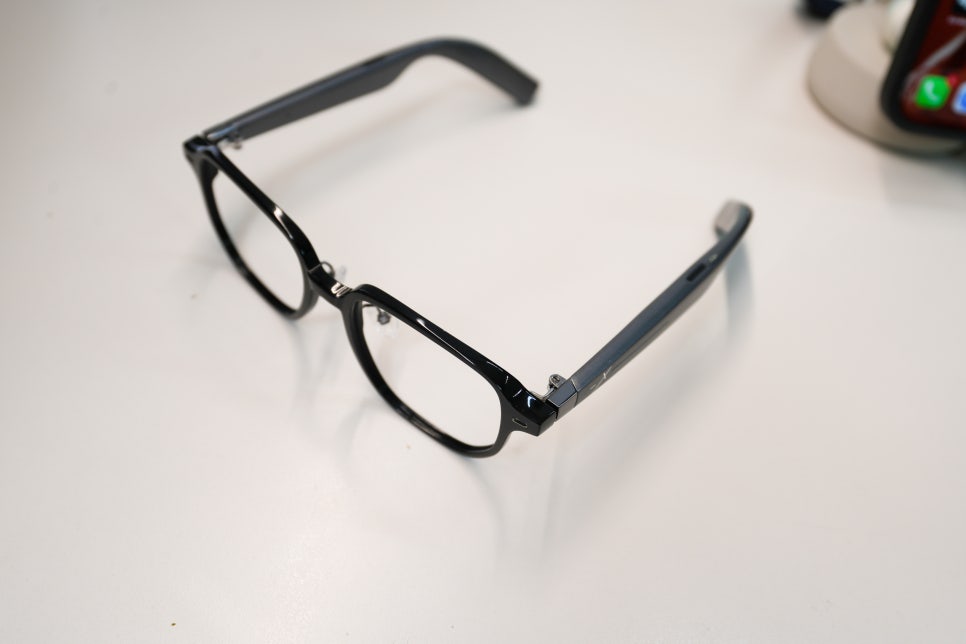
I removed the guide lenses included with the product and used it without them. After cataract surgery, my vision issues were mostly resolved with multifocal lenses, so there was no need to wear it as corrective glasses. Removing the lenses didn’t significantly change the weight but reduced the need to clean fingerprints or dust, making it more convenient as a wearable.
App Connection and Controls Take a Few Days to Get Comfortable
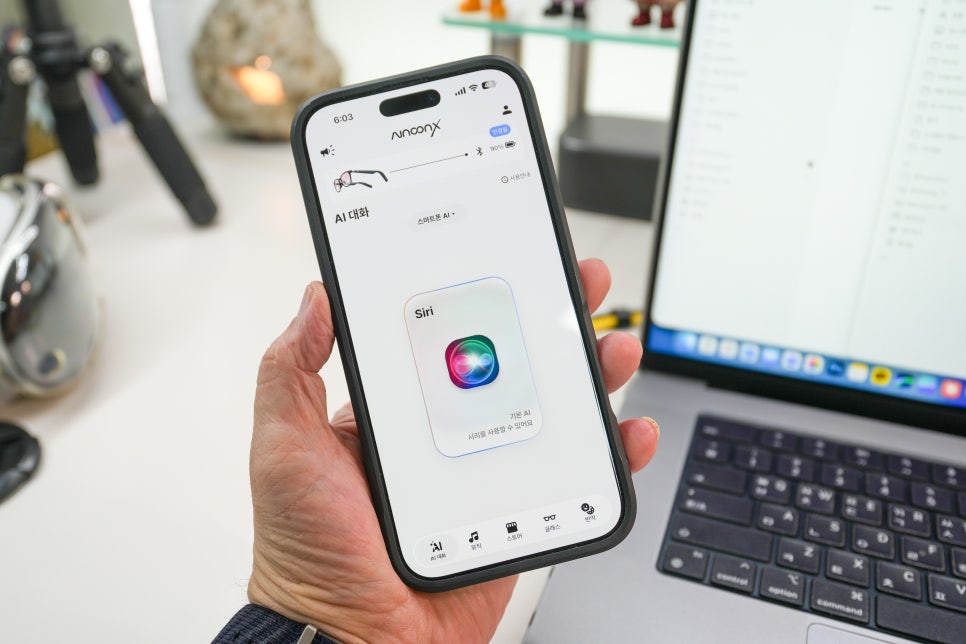
The AInoonX isn’t a device you simply turn on and go. The initial setup involves installing a dedicated app, connecting via Bluetooth, setting permissions, and logging in. This is one extra step compared to regular Bluetooth earbuds. While the connection isn’t particularly difficult, you also need to learn the AI command and touch controls, so it’s best to check the app screens for the first few days to get accustomed.

Controls are located on the temple (arm) of the glasses, using long presses or taps. This isn’t as immediately intuitive as devices with many buttons. At first, distinguishing between music controls and AI commands can be confusing. However, once familiar, you end up handling things without taking your phone out more often. Checking AI models and related settings in the app is an interesting feature. Yet, the actual experience still feels like simple voice queries rather than a deep AI assistant. It’s better viewed as an aid to ask quick questions and get answers. After a month, the features I used most were the speaker and calls rather than AI.
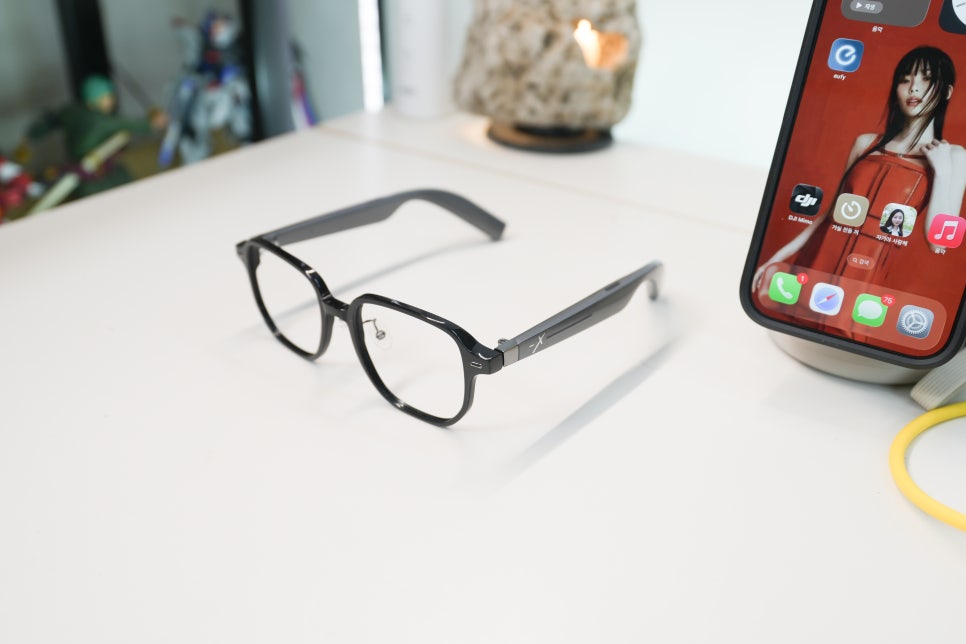
Using it while working on the MacBook, I kept background music playing quietly and took calls seamlessly. The open design lets in ambient sounds, so I didn’t feel cut off even when someone spoke to me at home or the office.
Call quality was decent enough for work. Being able to answer without moving my hands was surprisingly convenient. However, in very quiet places, sound leakage might be a concern. In settings like libraries or quiet meeting rooms, lowering the volume or changing usage might be necessary. This is an important consideration when choosing AI glasses. While AI capabilities are still developing, music and calls are everyday functions. After a month, the reason I kept using the device was because these basic functions were comfortable and convenient.

Even after a month, it doesn’t replace my smartphone. It doesn’t reduce my need to check messages in detail or handle tasks requiring a screen. Without a display, it has clear limits in visual information delivery.