This post is sponsored by Shopping Connect.
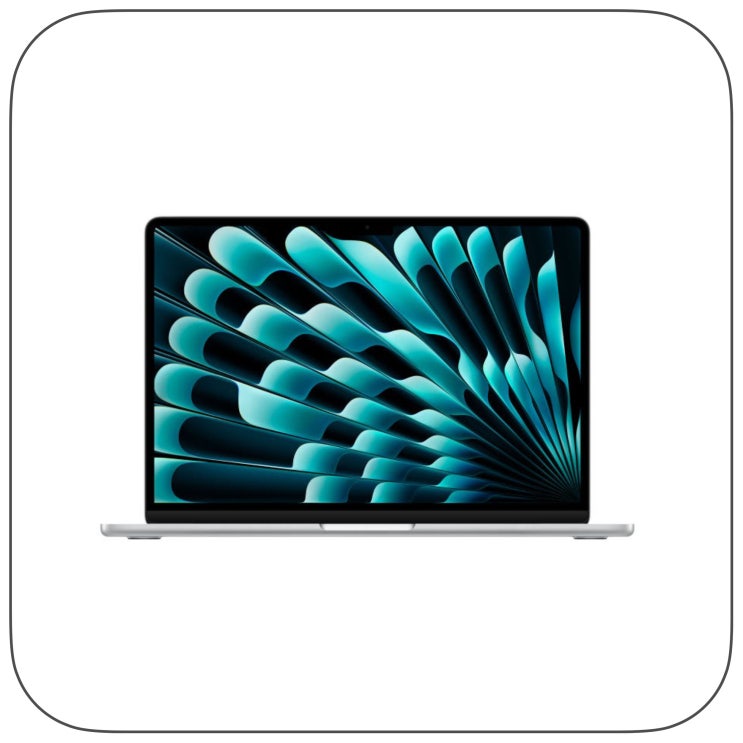
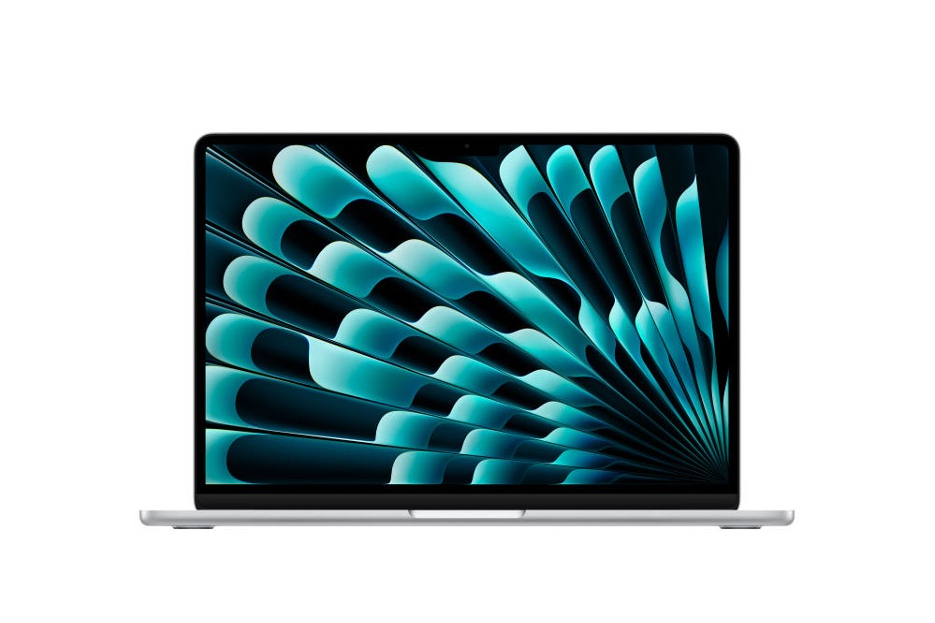
When upgrading a laptop, the most confusing part is choosing the right configuration rather than the specs. Nowadays, many people use one device for web work, photo organization, document writing, and video calls. The product we’ll review this time is the MacBook Air 13 M5 Silver model from the Apple Brand Store. With 16GB of memory and 512GB of storage, it’s a popular setup for both personal and work use.
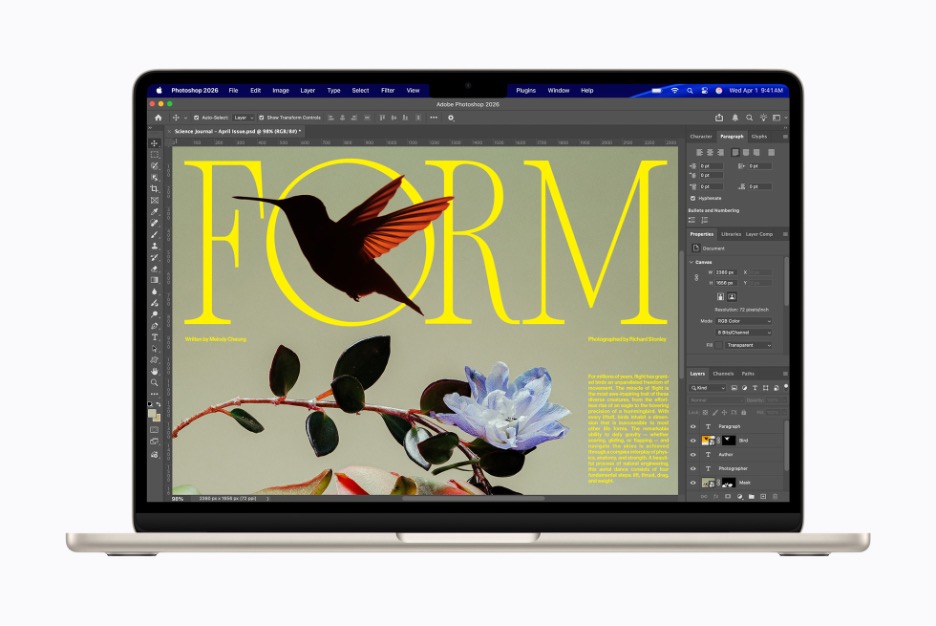
The Background of the M5 Model

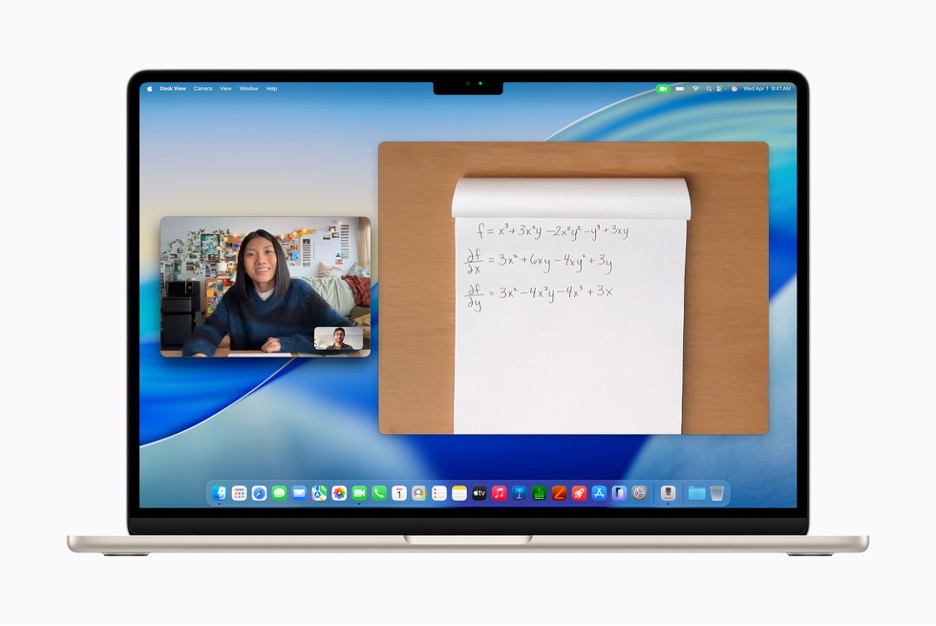
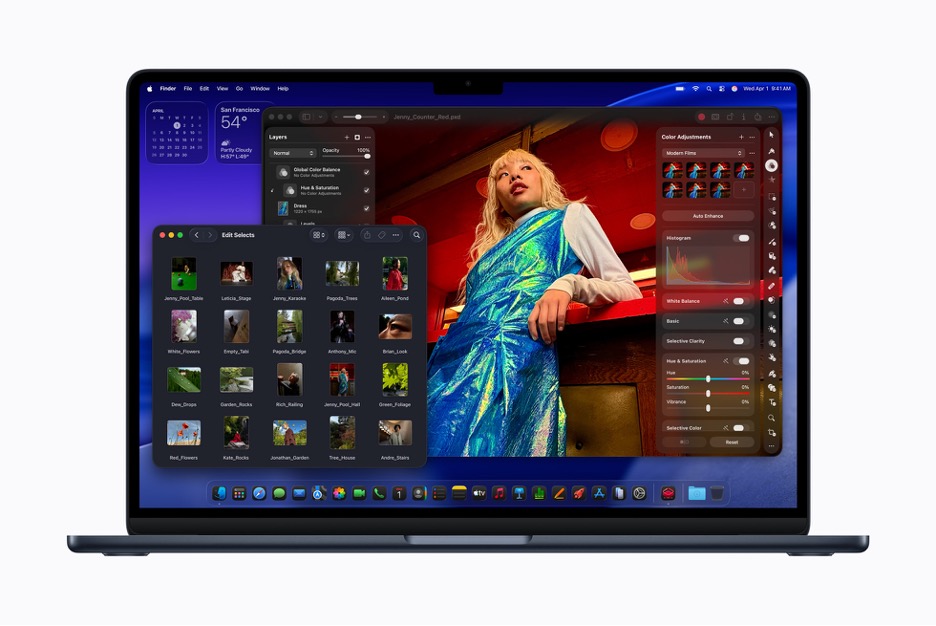
This line has long prioritized portability. However, since Apple Silicon, it has shifted from just being a lightweight secondary laptop to something closer to a primary work device. The new M5 model maintains the fanless slim design while boosting performance and storage options. The 13-inch model features a 13.6-inch Liquid Retina display with 500 nits brightness, P3 color gamut, and True Tone technology. This makes it comfortable to look at the screen for long periods across various lighting environments and provides a stable display for blog image editing and document work.
What 16GB Memory and 512GB Storage Mean

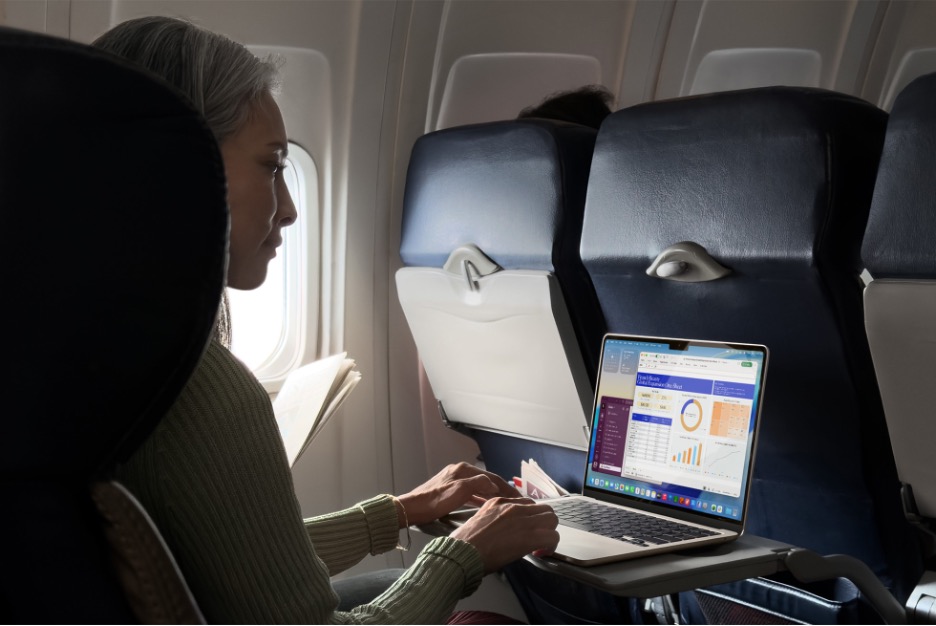
The key points to look at in this product are the 16GB memory and 512GB SSD. This configuration is practical for users who work with documents, photos, and video files simultaneously. When running multiple browser tabs, photo apps, word processors, messengers, and video conferencing all at once, having ample memory makes a noticeable difference. From experience, this is the first thing I check when choosing a new laptop.
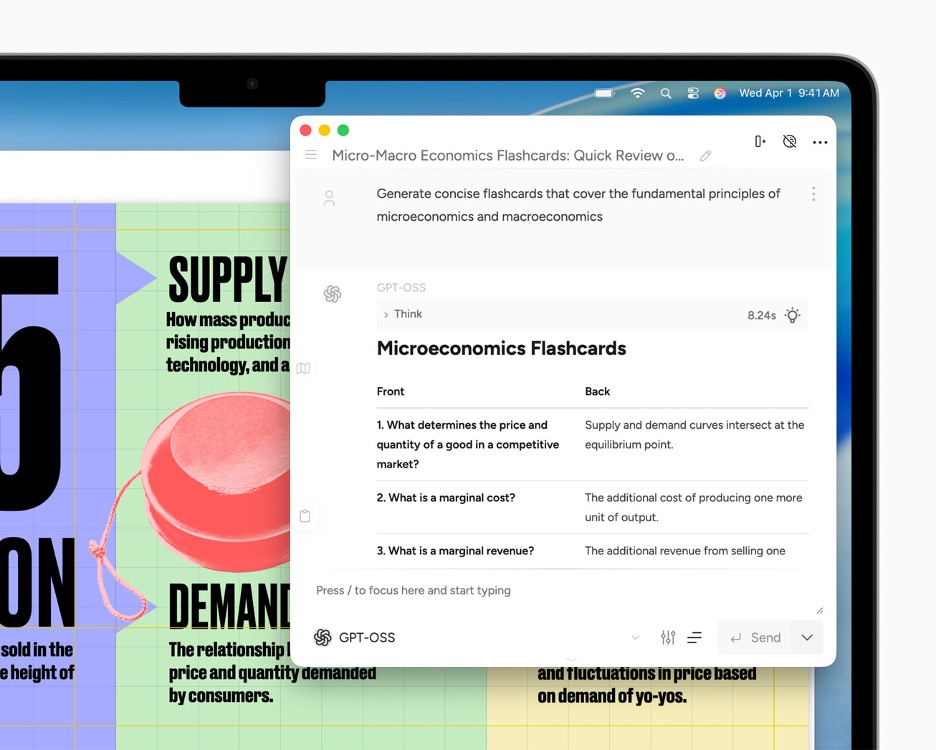
Personally, I use a MacBook Pro with 512GB SSD for AI-related tasks.
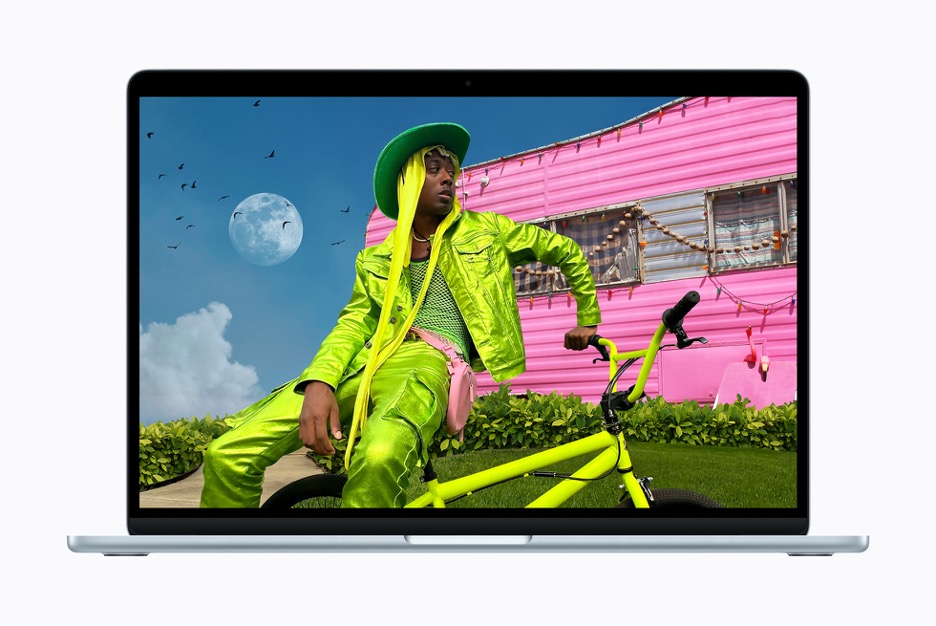
Screen Size and Portability of the 13-inch Model
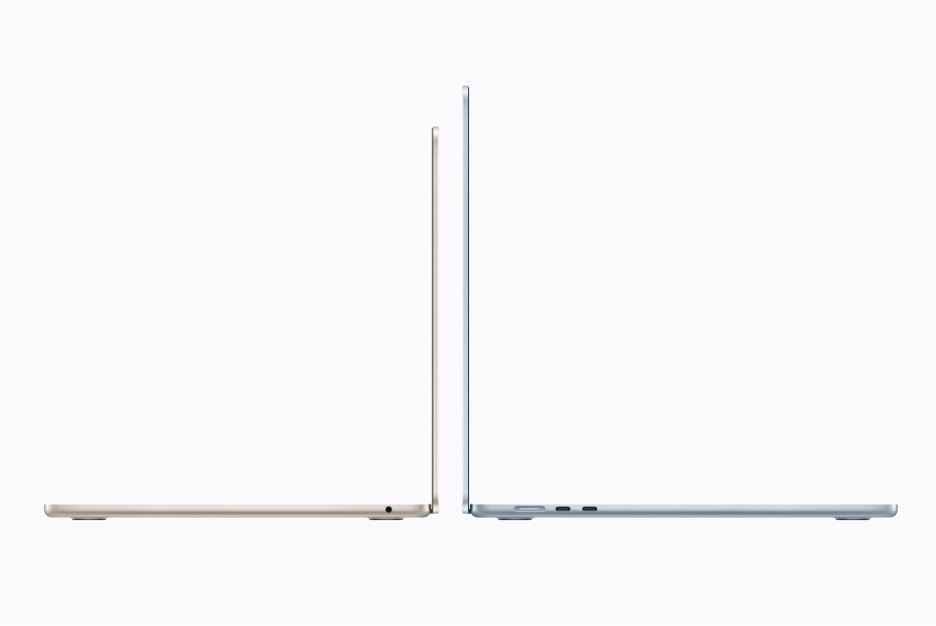
The 13-inch model doesn’t offer an extremely wide screen, but it’s quite lightweight at about 1.23 kg, making it easy to carry around. It’s ideal if you connect an external monitor at home and use the laptop screen for writing when outside.
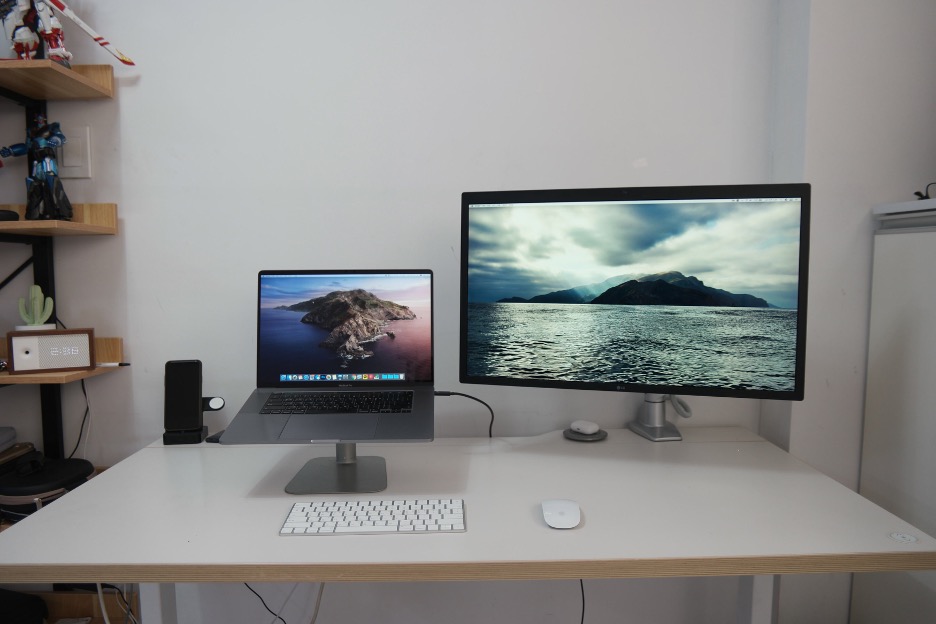
On the other hand, if you often need a wide Excel view or extended timelines for video editing, consider the 15-inch model or adding an external monitor. The 13-inch focuses on portability, and screen space is best supplemented with peripherals.
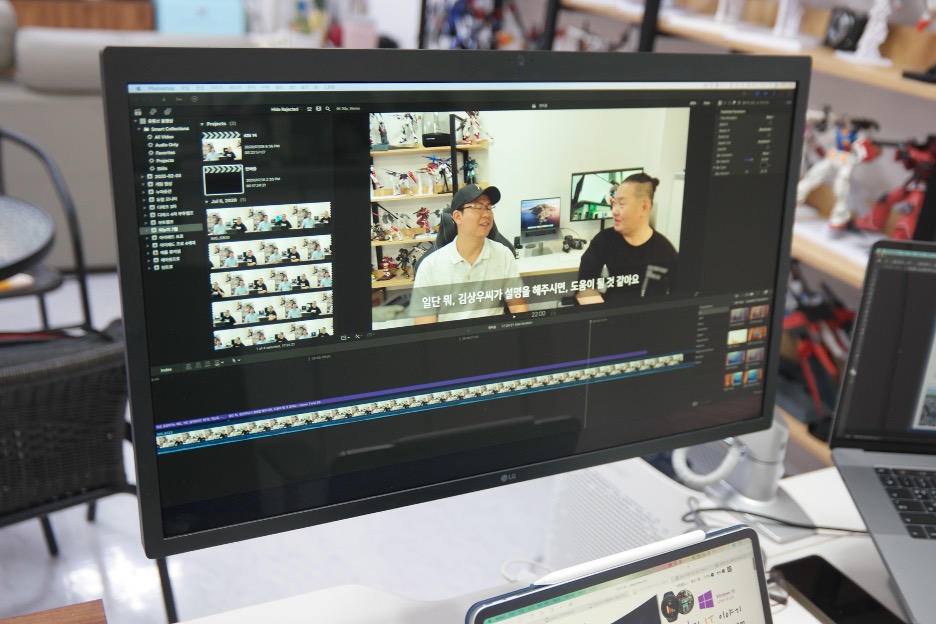
Differences Based on MacBook Pro Experience
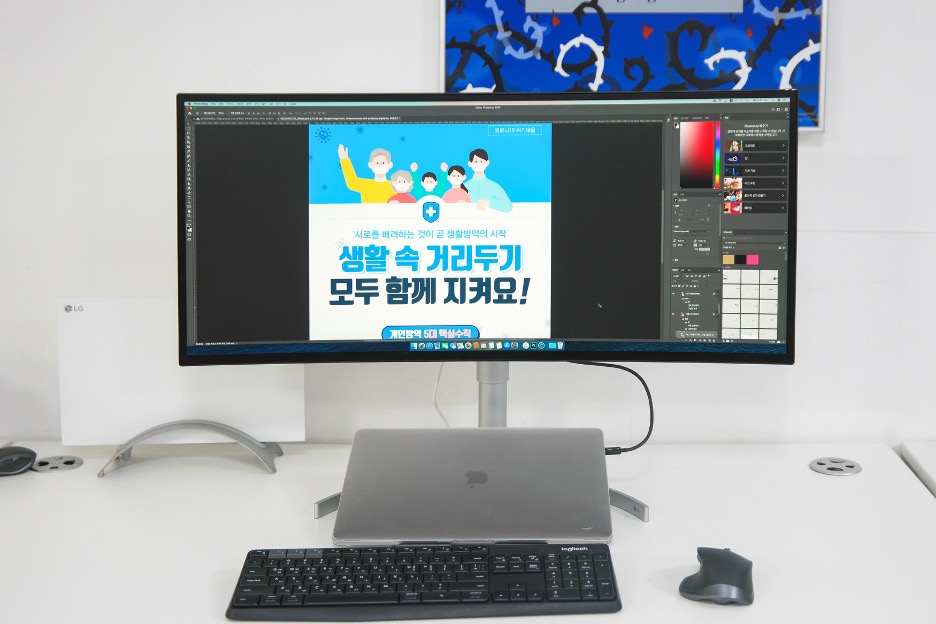
When I used the 16-inch MacBook Pro, I mainly connected it to an LG UltraFine 5K external monitor to expand my workspace. Depending on whether I was writing, editing images, or working on videos, I rearranged monitor setups. The MacBook Pro was a tool for heavier, long-duration work.
I used the MacBook Pro mainly in clamshell mode with the LG UltraFine 5K as the primary display, or for Final Cut Pro work, I also utilized the built-in screen. In contrast, this 13-inch M5 model suits users who need a reliable, portable device for document work, web tasks, photo organization, and light editing rather than a large-scale workstation.
Connectivity and Battery Life Experience
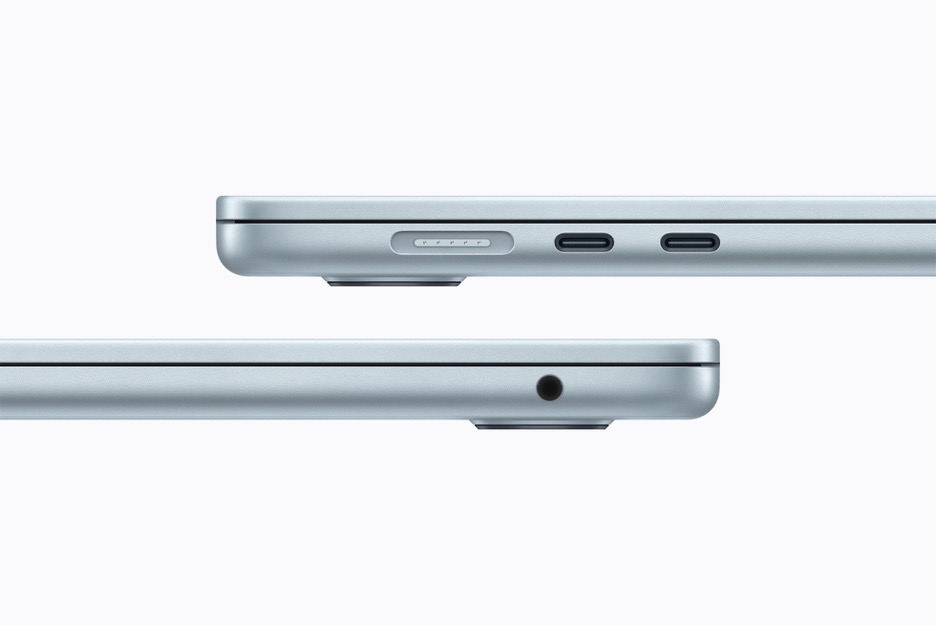
The M5 model comes with a MagSafe 3 charging port, 3.5mm headphone jack, and two Thunderbolt 4 USB-C ports. The number of ports isn’t very generous, so if you frequently use an external monitor, card reader, or external SSD, a hub may be necessary. Officially, the battery lasts up to 18 hours of video streaming and 15 hours of wireless web use. Actual battery life varies with screen brightness and app usage, but it’s well-suited for a full day of document editing and web work outside the office.
Camera and Wireless Connectivity to Consider