This post is sponsored by Naver Brand Connect.
.jpg?type=w966)
When using a MacBook Pro and iPad Pro together, it’s often unclear which device you should pair your mouse with. While macOS’s trackpad is excellent and sometimes eliminates the need for a dedicated mouse, when you place a tablet on a stand for document work or organizing blogs, moving the cursor becomes more important than expected.
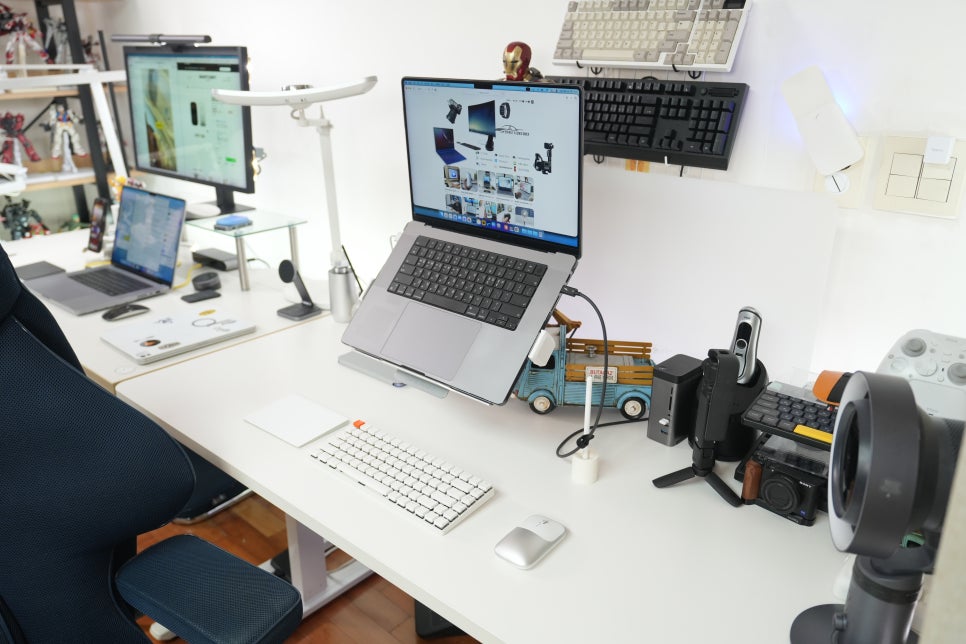
Lately, I’ve been writing drafts and organizing images on my MacBook Pro while using the iPad Pro as a secondary display. Having one mouse seamlessly switch between the two devices simplifies the setup on my desk significantly.
Mouse recommendations for iPad Pro and MacBook Pro
The iPad Pro works great with just touch and Apple Pencil. However, once you place it on a stand and attach a keyboard, the way you use it changes. Continuously touching the screen can affect your posture, and when handling long documents or web pages, controlling the cursor often feels more convenient.
The Mac trackpad is precise, but when you connect an external monitor or work at your desk, a mouse becomes more comfortable. Especially when renaming blog images, moving folders, or switching between web pages and editing windows, a small mouse that requires minimal wrist movement surprisingly fits well.
If you’re using your iPad Pro like a laptop with a keyboard, it’s a good idea to first check the mouse connection options.
Why I chose the Slim EX
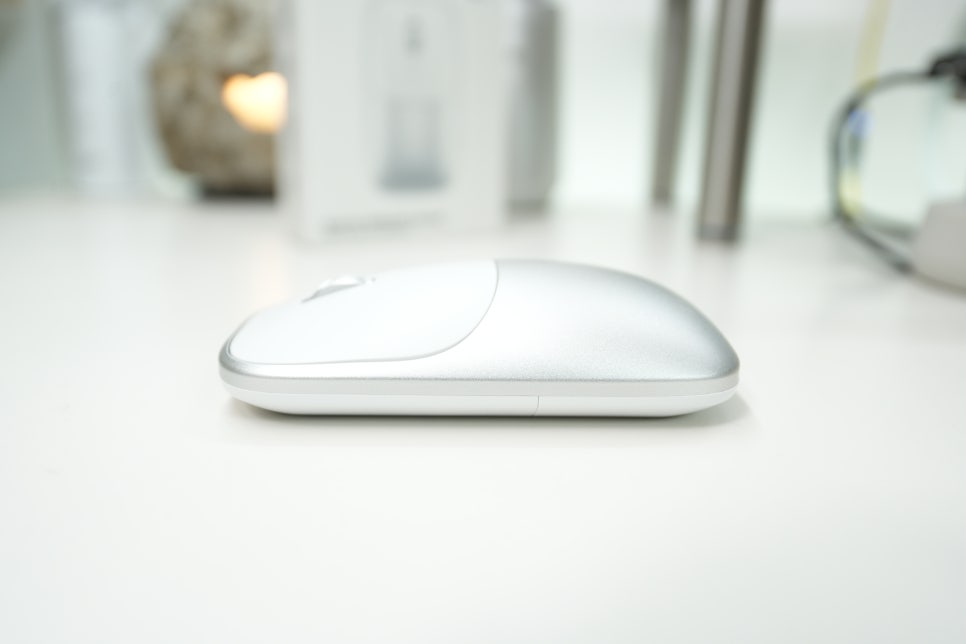
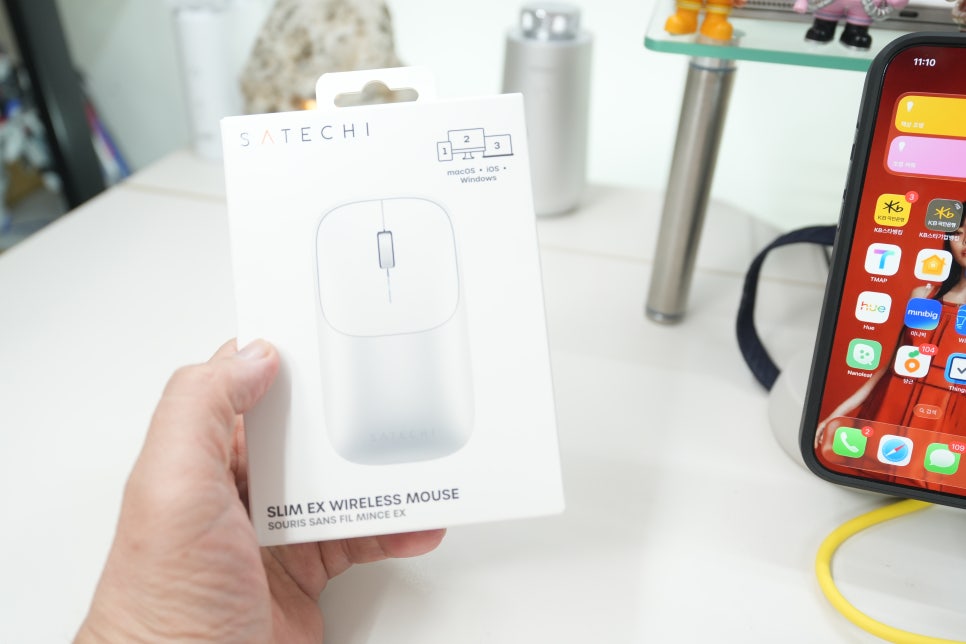
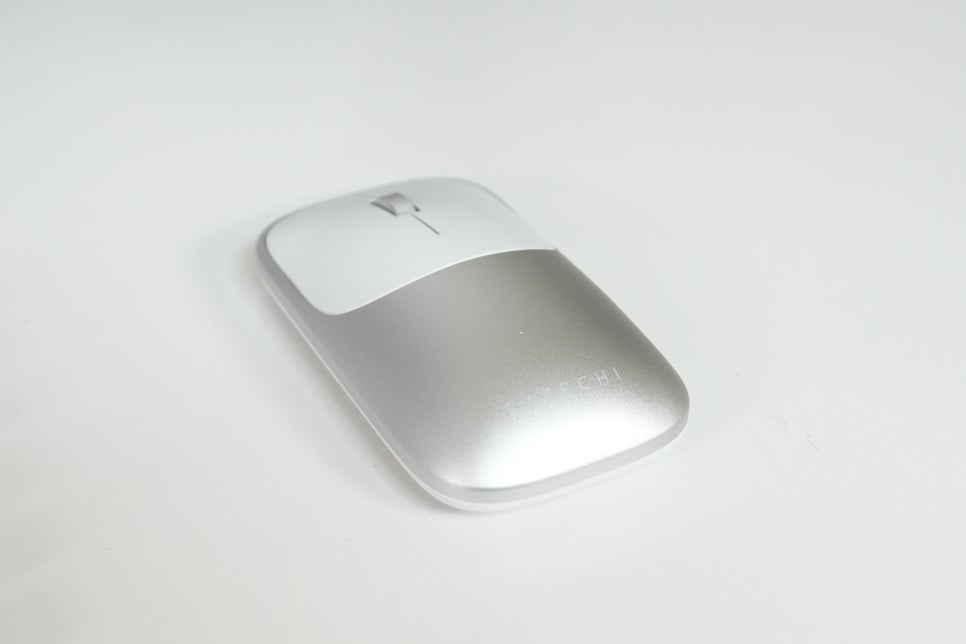
The Satechi Slim EX wireless mouse is slim and neat, just as its name suggests. Official specs list it at approximately 11.03 cm long, 6.12 cm wide, 2.85 cm high, and weighing 90 grams—compact enough to carry comfortably in a bag.
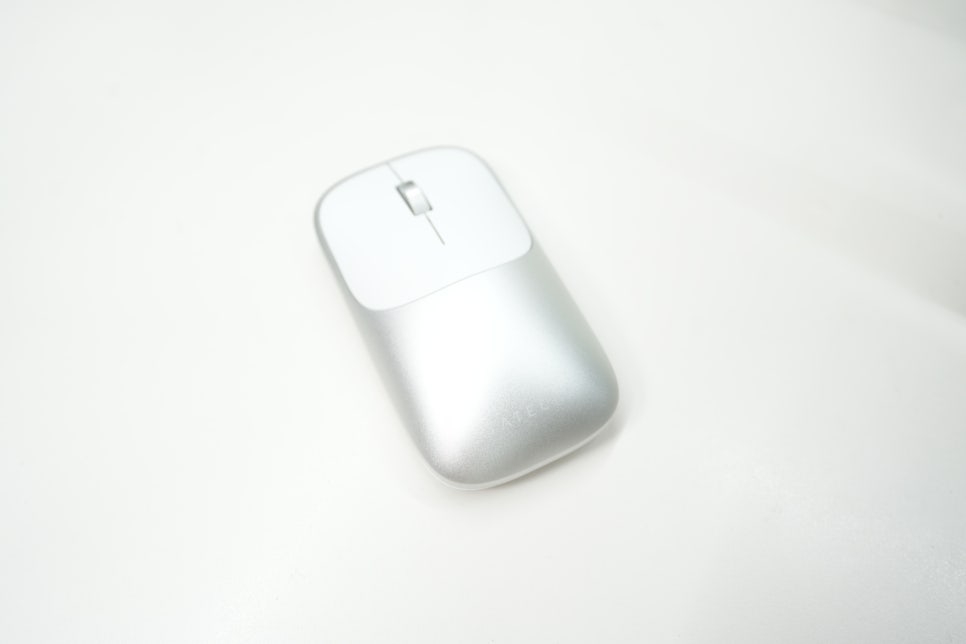
It features an anodized aluminum design. When placed near Apple devices, its subtle finish creates a cohesive look. Since peripherals often stay on desks for extended periods, this kind of consistency enhances the overall satisfaction.
Connection methods: Bluetooth and wireless
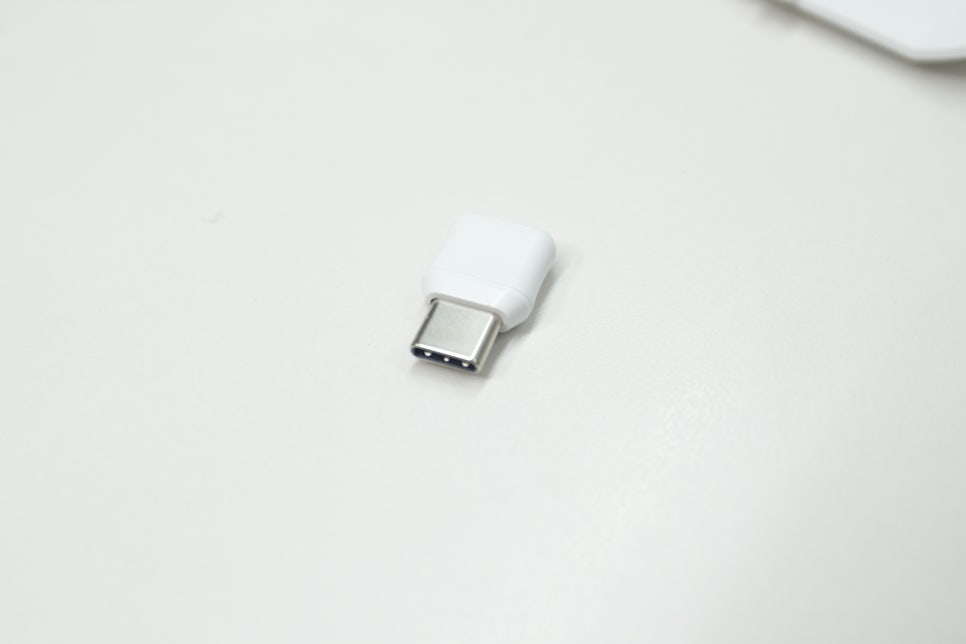
One key aspect of this mouse is its connectivity. It can pair with up to two devices via Bluetooth, and additionally connect to a third device using a separate USB-C 2.4GHz receiver. So this isn’t just a simple Bluetooth mouse; it’s designed to be shared seamlessly among your Mac, tablet, and even a PC if needed.
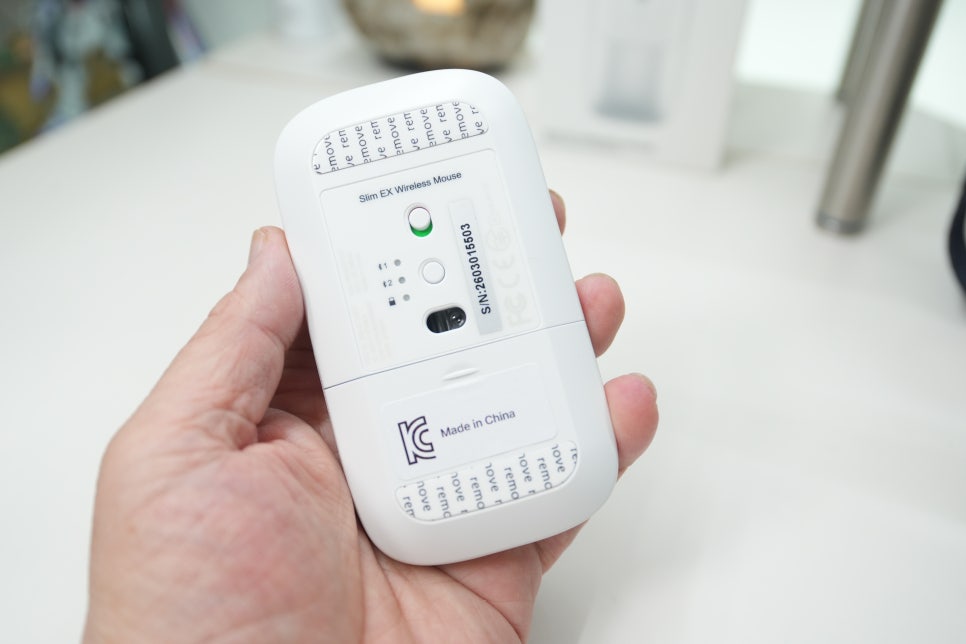
For the iPad Pro, Bluetooth connection offers the cleanest experience—no need to plug in a dongle, and you can start using it right after taking it out of your bag. For your workstation Mac, keeping the USB-C receiver plugged in is convenient. Regarding pairing and switching, the quick guide explains you turn on the bottom power, choose connection 1 or 2, and hold the pairing button for 3–5 seconds. The device shows up as 'EX Mouse', which makes identifying it straightforward. After the initial setup, you just switch devices with the button.
This makes a big difference if you regularly switch between two devices. With a typical Bluetooth mouse, you often need to open settings and reconnect each time. A multi-pairing mouse reduces that hassle, ensuring you don't break your workflow when switching gear. Quiet clicks and office-friendly feel The Satechi Slim EX mouse boasts silent click switches and a precise scroll wheel. When I chose this mouse, a quiet working environment was more important than gaming performance. Clicking sounds can be distracting during late-night writing or when working in shared spaces.
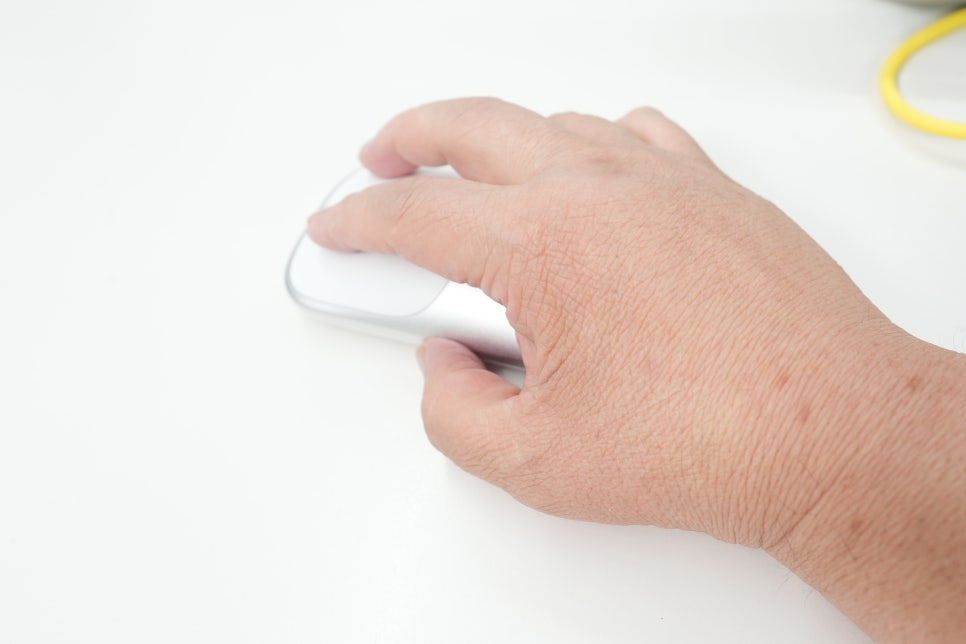
Its form is nearly symmetrical and doesn’t overwhelm your hand. Unlike larger mice designed to cradle the full palm, this one suits short, precise movements like document editing, web browsing, image sorting, and blog editing—tasks that rely on accuracy rather than continuous long sessions such as gaming.
USB-C charging and things to note
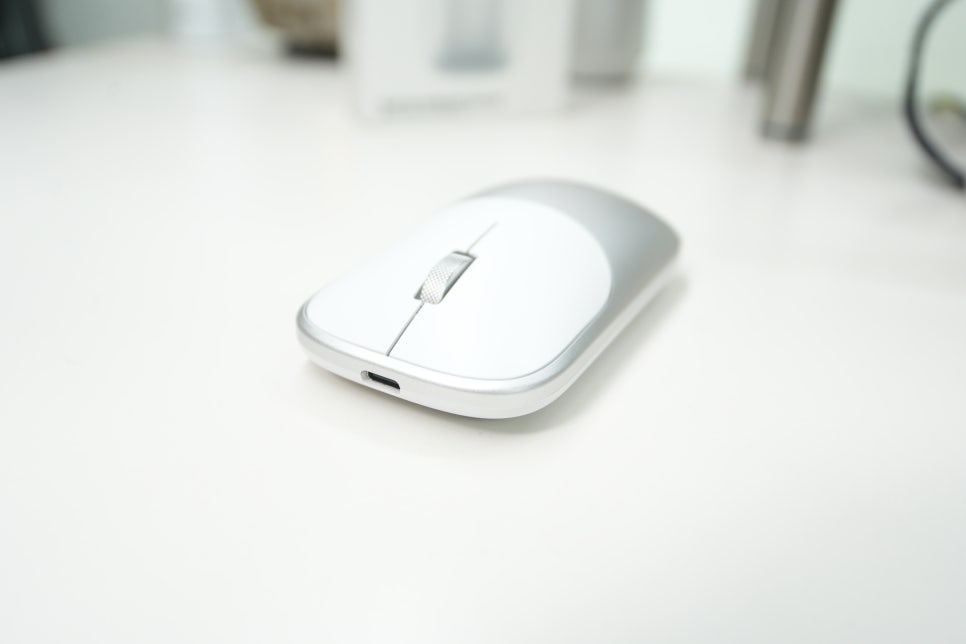
Charging is via USB-C. For Apple users, not needing an extra cable is a plus. According to the official FAQ, the USB-C port is for charging only and does not support wired mouse usage like some other devices. Another point is that macOS doesn’t show the battery level for this mouse in the menu bar. If you expected to see battery status in the Bluetooth settings, this might be a drawback; it’s a product feature rather than a defect.
Notes on tablet usage
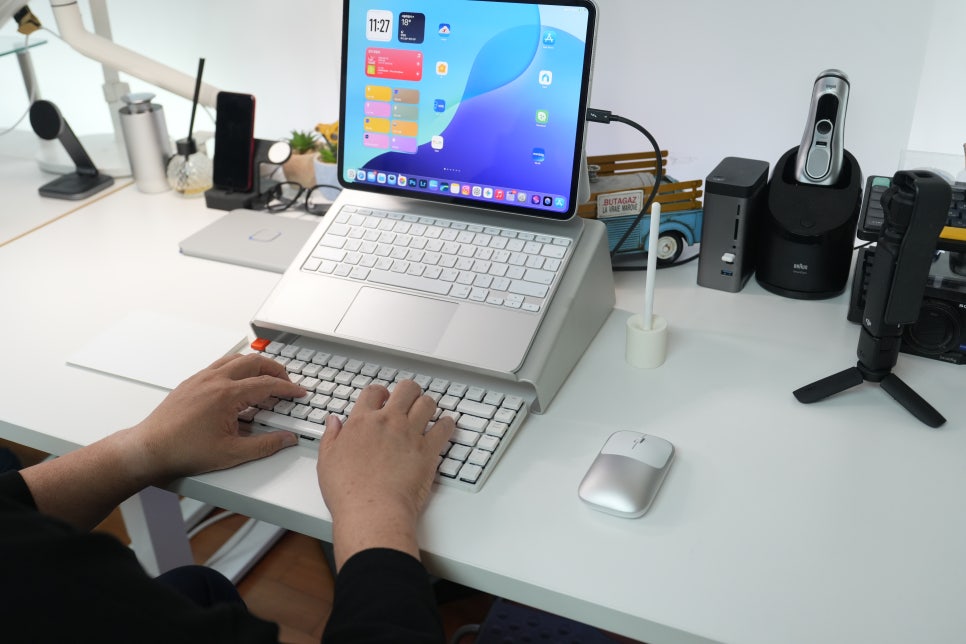
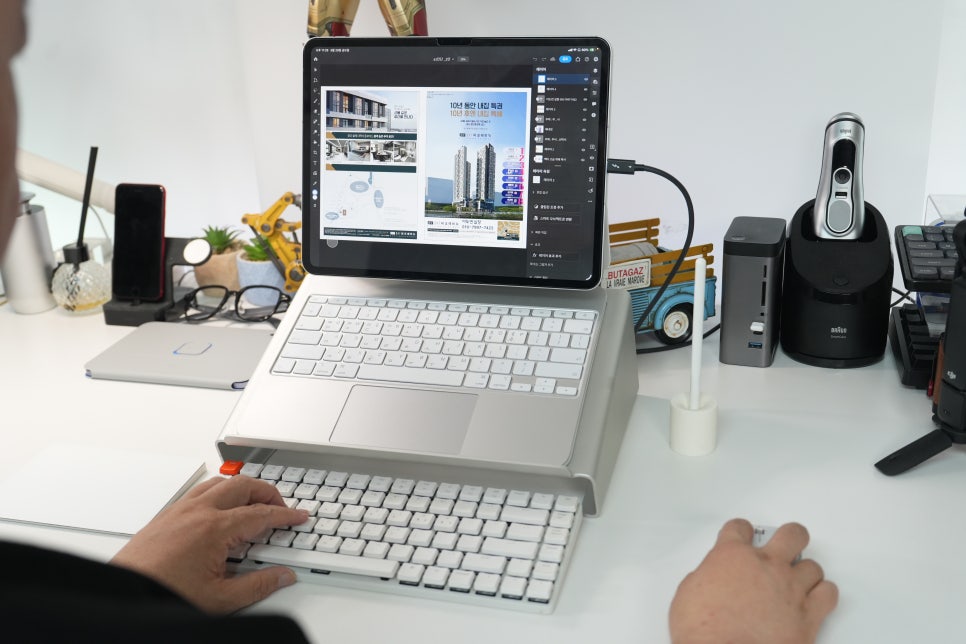
When using a mouse with a tablet, posture matters more than speed. Not having to constantly touch the screen reduces shoulder strain and stabilizes hand positioning. This difference shows when reading blog drafts, moving paragraphs, or selecting photos. However, cursor control in iPadOS isn’t exactly the same as macOS, so rather than hoping for intricate settings, prioritize connection stability, size that fits your hand, quiet clicks, and convenient charging. The Satechi Slim EX leans toward being a low-stress, everyday productivity tool in this aspect.
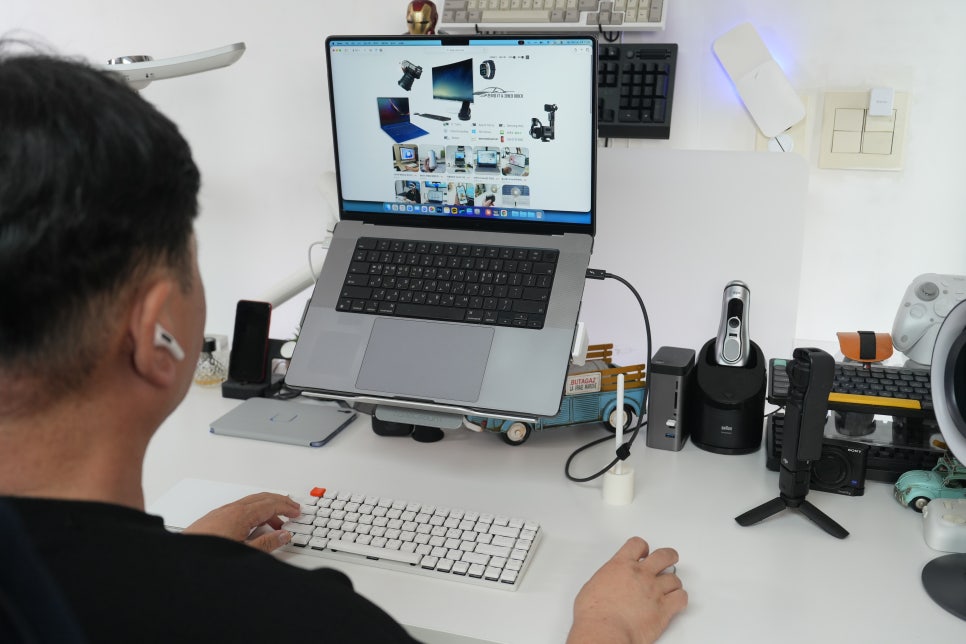
Advantages for Mac users When paired with a Mac, design consistency and portability stand out. While the slim mouse doesn’t fully fill your palm for maximum comfort, it’s easy to slip into a laptop pouch or small bag. Those who often work at meetings or cafés might prefer this size over larger models. The inclusion of a USB-C receiver is another plus. Though many find Bluetooth alone sufficient, 2.4GHz receiver connectivity can feel more reliable in certain environments. If you have extra ports or use a hub, you could dedicate the receiver to stationary use and Bluetooth for when you’re on the go.
Who is this mouse for? The Satechi Slim EX Aluminum Bluetooth Wireless Mouse is better suited for users who switch between devices like MacBook Pro and iPad Pro rather than those who stick to one device for long periods. In workflows that frequently change their gear, multi-pairing and the USB-C receiver offer convenience beyond just specs. On the other hand, if you prefer an ergonomic mouse that fully cups your hand or expect high-performance sensors with detailed customization for gaming, other models might be more appropriate. This mouse fits quietly and neatly into Apple device setups for work use.
It keeps your desk organized and is portable with your Mac, while making the iPad Pro’s laptop-like use smooth. If you want one mouse to switch between two devices, the Satechi Slim EX Wireless Mouse is definitely worth considering.