This post is sponsored by Naver Brand Connect.
.jpg?type=w966)
As a freelancer, I naturally spend a lot of time in front of the computer. Recently, with additional tasks like website work and organizing files through Vibe Coding, my time holding the mouse has increased even more. When writing articles, selecting photos, and checking code, my wrist tends to twist inward for extended periods, so nowadays I prioritize wrist-friendly designs over aesthetics when choosing an office mouse.
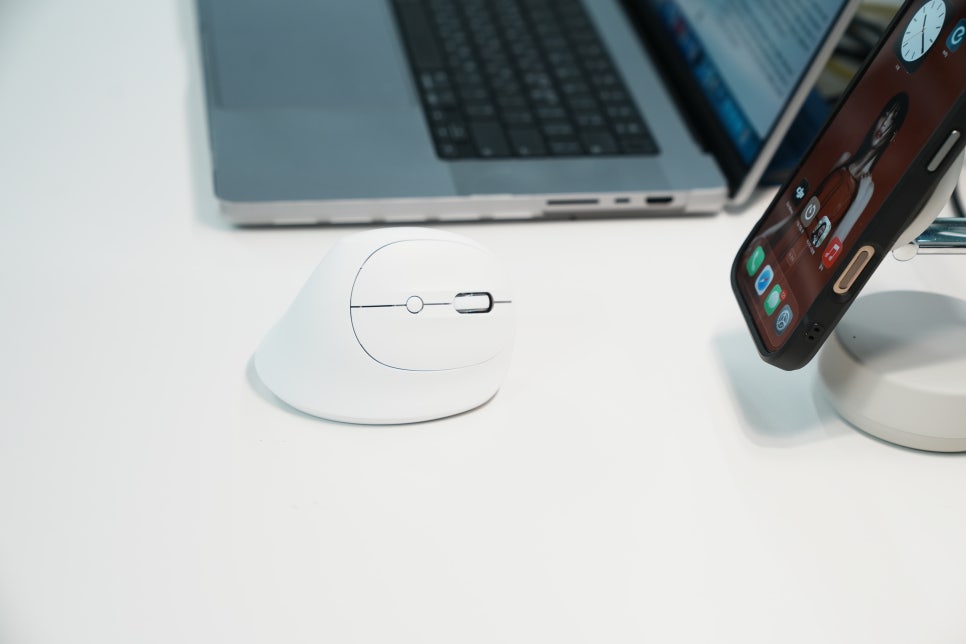
The ZENIX STORMX VM AIR I tried fits well as a recommended entry-level vertical mouse from this wrist-protection perspective.
When unboxing, I mentioned Bluetooth, but this model supports both wireless and wired connections. The ZENIX VM AIR is a right-handed vertical mouse designed for office use. Unlike a traditional mouse where your palm lies flat, this mouse encourages a slightly upright hand position from the moment you grip it, giving it a distinct feel. For those new to vertical mice, a bulky device can be intimidating, but at just 81g, this ultra-light design feels light in hand. This is a key reason why it fits well under the ‘recommended entry-level vertical mouse’ category.
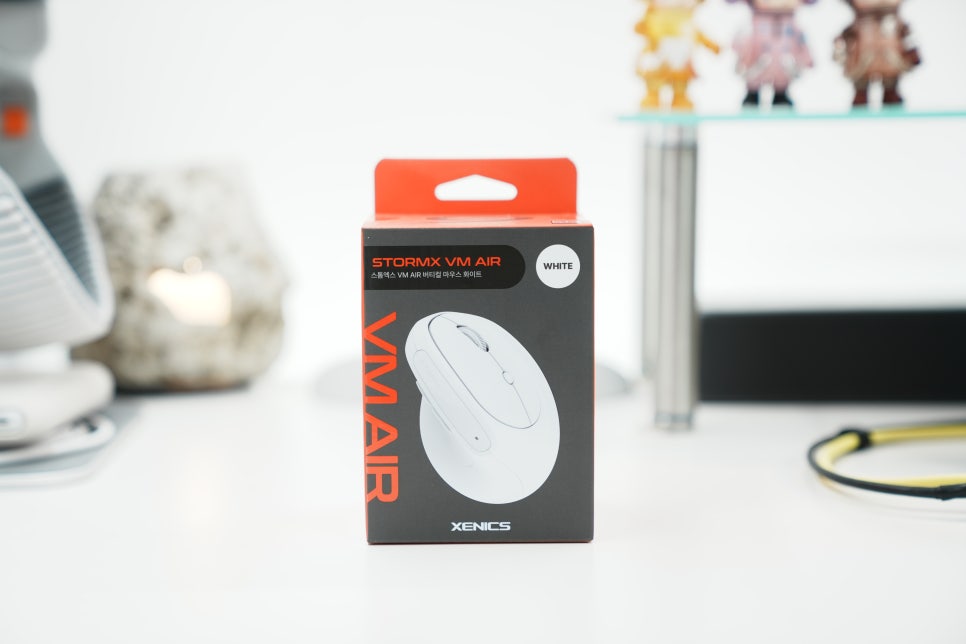
Opening the box reveals a simple setup: the mouse and necessary accessories, all neatly packed. Its overall look is subtle and wouldn’t stand out awkwardly on a typical office desk. Even if an office mouse has great features, it’s hard to use for long if it looks out of place, but the VM AIR makes a tidy first impression.
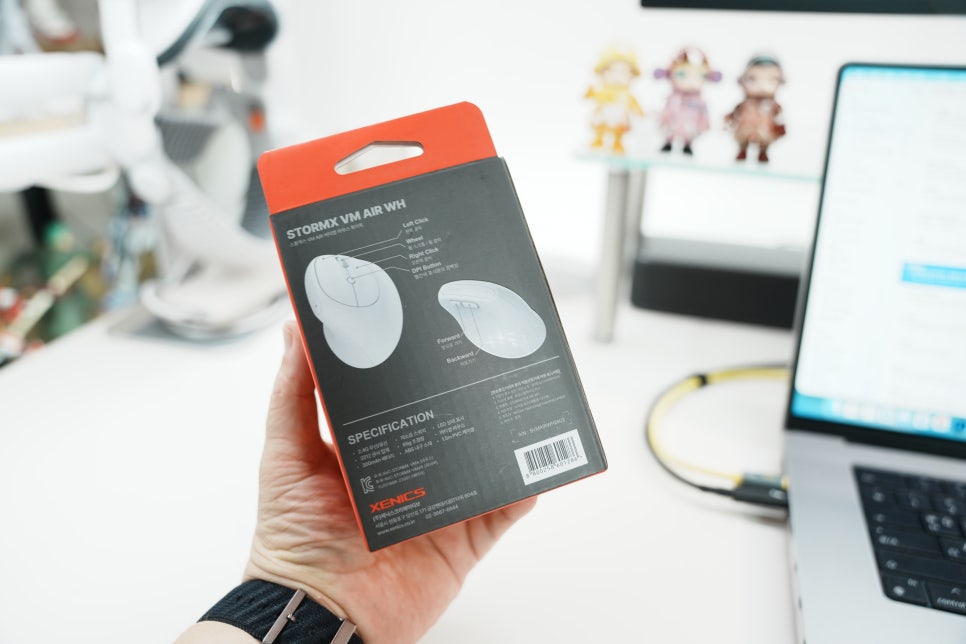
The 57-degree angle changes your wrist posture significantly. The most notable feature here is the 57-degree tilt. It allows you to hold your hand upright naturally instead of palm-down, which reduces that uncomfortable inward twisting of the wrist. Effective wrist protection means more than just soft padding—it’s about encouraging a less strained posture from the start. The VM AIR instantly creates a grip that feels different from a regular wireless mouse and is comfortable for long office sessions.
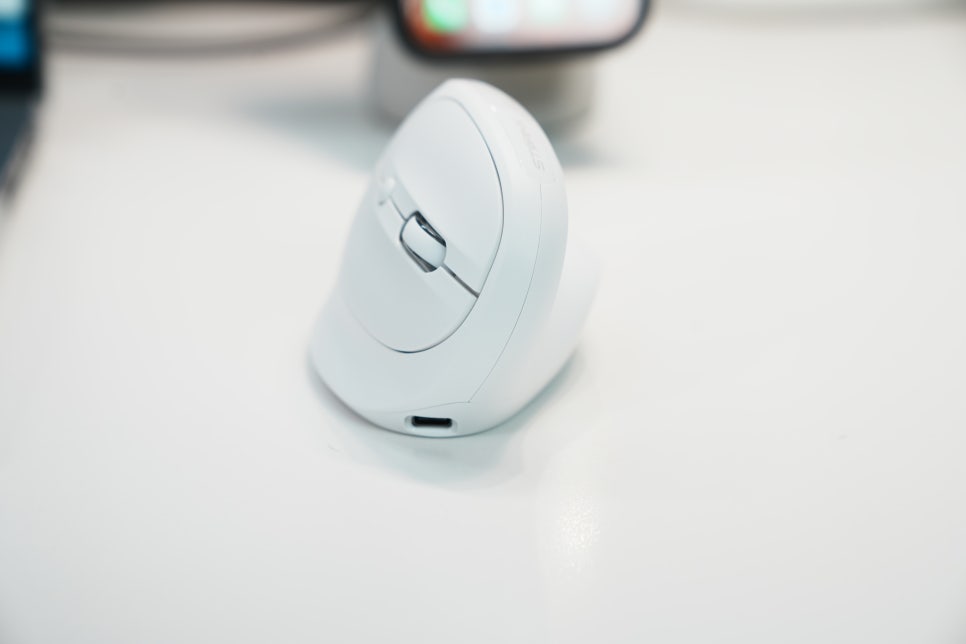
Of course, cursor movement may feel unfamiliar at first with a vertical mouse. I needed a few minutes to adjust to the upright grip. But for tasks like document editing, web surfing, and blog writing, where repeated clicking and scrolling are common, I got used to it quickly.
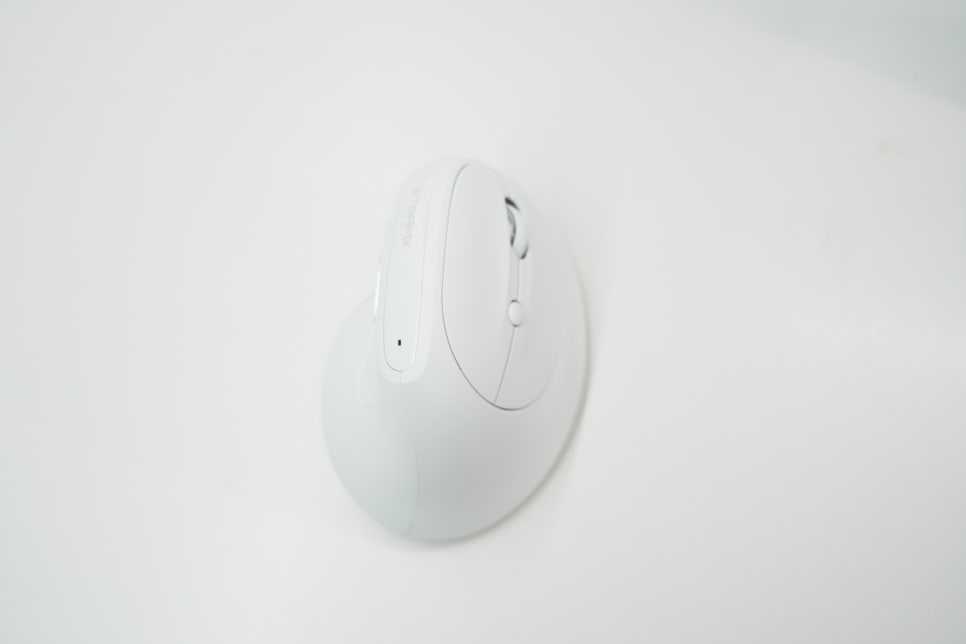
If you’re switching to an office mouse aiming to protect your wrist, it’s best to allow yourself about half a day to adapt.
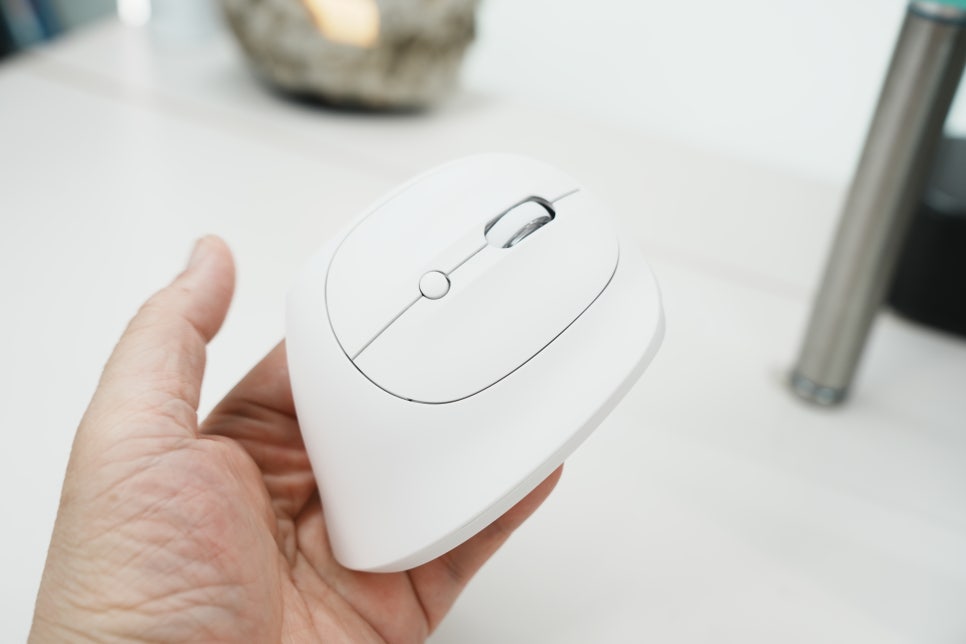
Option to switch between wireless and wired connection. The VM AIR supports both 2.4GHz wireless and wired connections. In an office, using it wirelessly keeps your desk tidy and cable-free. Just plug the receiver into your laptop or desktop, and you’re ready to go, making it easy to move between meeting rooms and personal desks. Complex connections can deter frequent use of office mice, but this one keeps the setup straightforward.
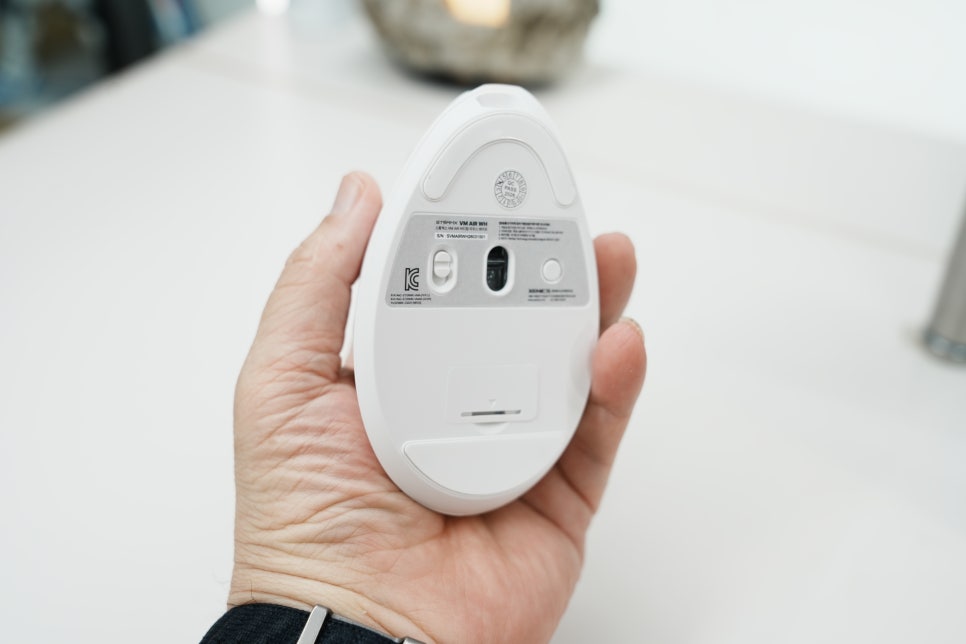
The wired connection option is a plus. Wireless mice can become inconvenient once battery issues arise, but being able to swap to a cable connection reduces downtime during work.
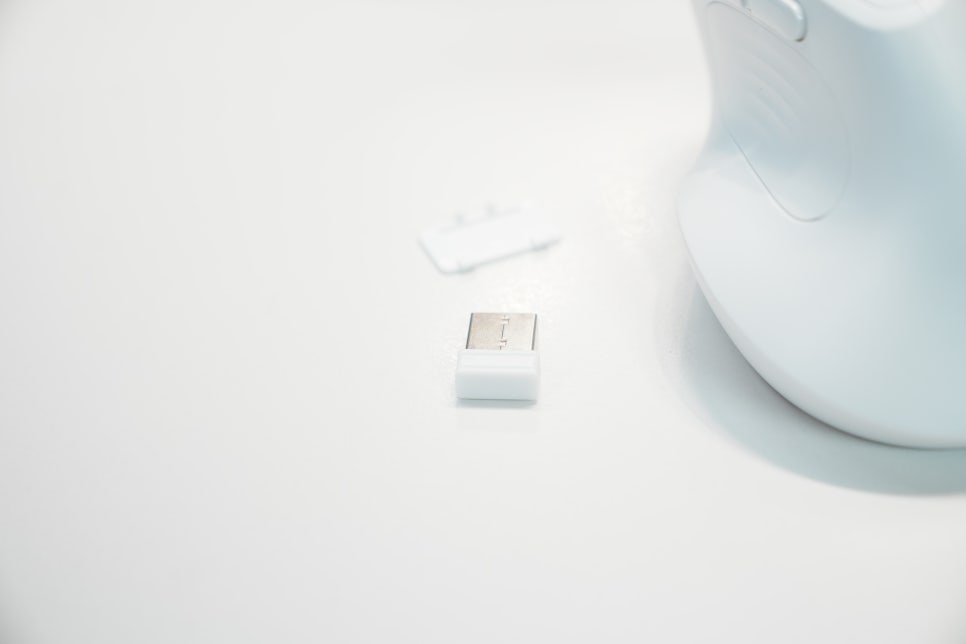
You get the convenience of wireless with the peace of mind to switch to wired whenever needed, making this mouse a reliable choice for the office. Sensor and DPI Adjustments Are Perfect for Office Tasks
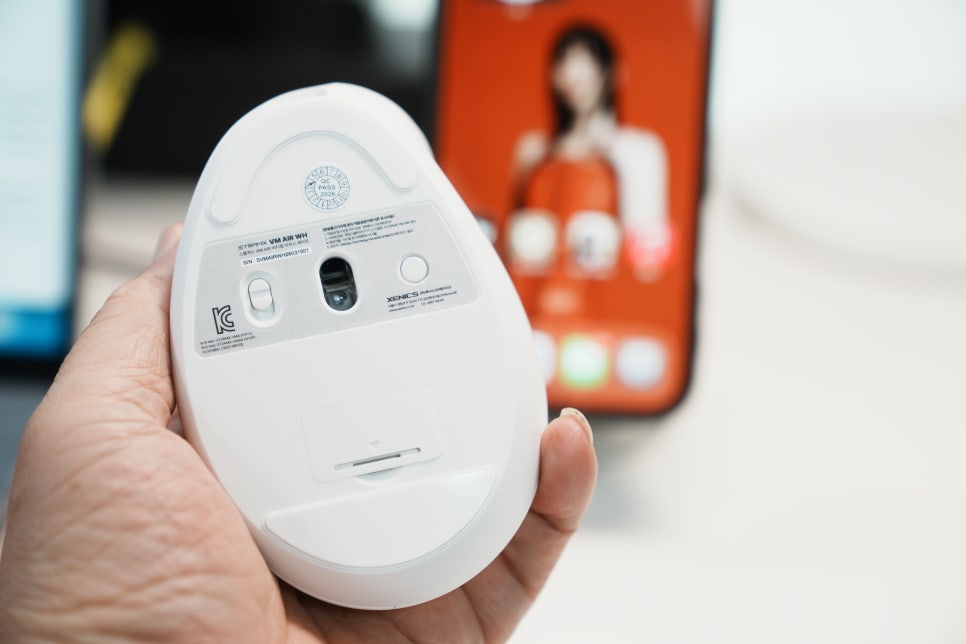
It uses the PAW 3212 optical sensor. This isn’t a high-end gaming sensor, but it delivers steady pointer movement for document work, web browsing, and managing images. What matters most for office mice is precision—being able to stop exactly where you want rather than reacting instantly. The VM AIR features a low-power sensor, which helps with battery efficiency, making it a practical wireless mouse for office use.
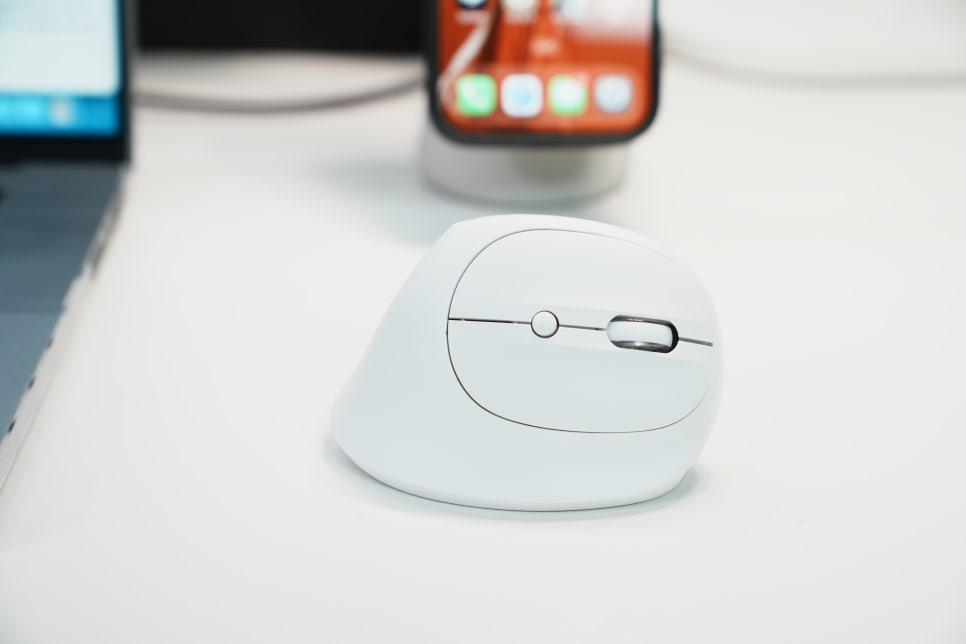
You can adjust DPI in four steps: 800, 1200, 1600, and 2400. I found 1200 to 1600 comfortable for document work, and 2400 helpful when juggling multiple windows on a large monitor as it reduces hand movement. To protect your wrist, it’s ideal to choose a setting that minimizes large hand movements based on your screen size and desk space.
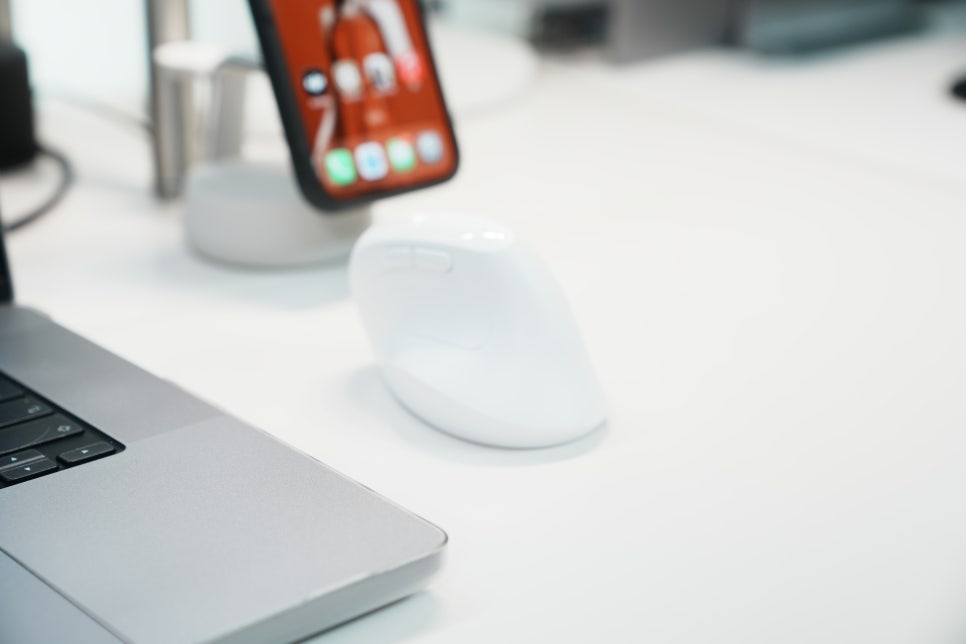
The difference is noticeable when used on a computer. Visuals of the mouse in use are important. Placing the VM AIR on the right of the keyboard, you immediately see how different the posture is compared to a regular mouse. Your palm tilts sideways with the thumb supporting the grip, which reduces wrist pressure on the desk. If you’re shopping for an office mouse, photos of real use help you understand its wrist-friendly design more clearly.
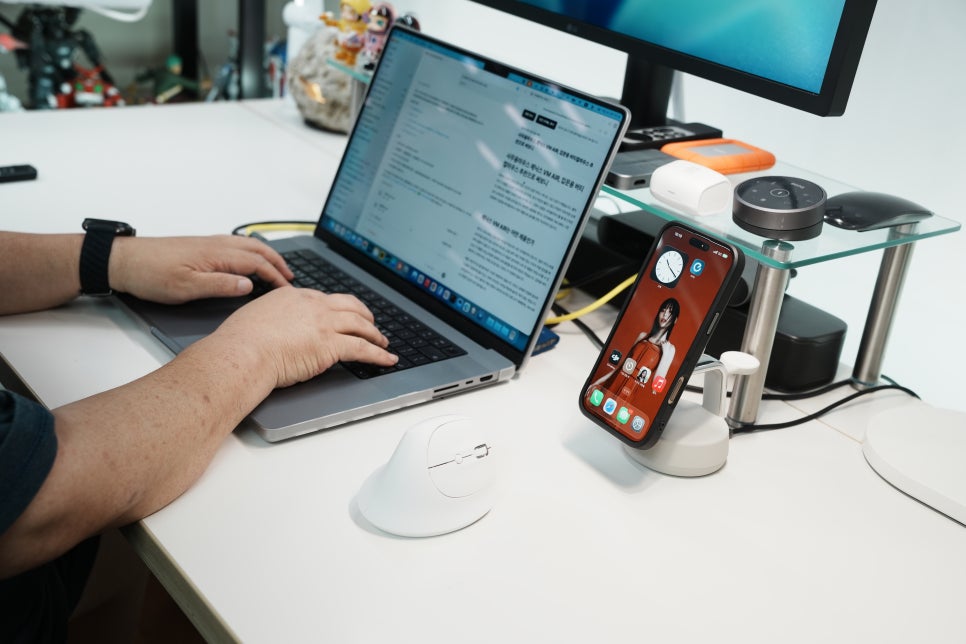
Writing blog drafts and picking photos involves more clicks than you might expect. When a wireless mouse is light and fits your hand well, lifting and moving it is less tiresome. At 81g, the VM AIR moves lightly for a vertical mouse and glides easily on the desk even with your hand upright. It’s a good option for quiet offices or for wireless use during late work sessions at home.
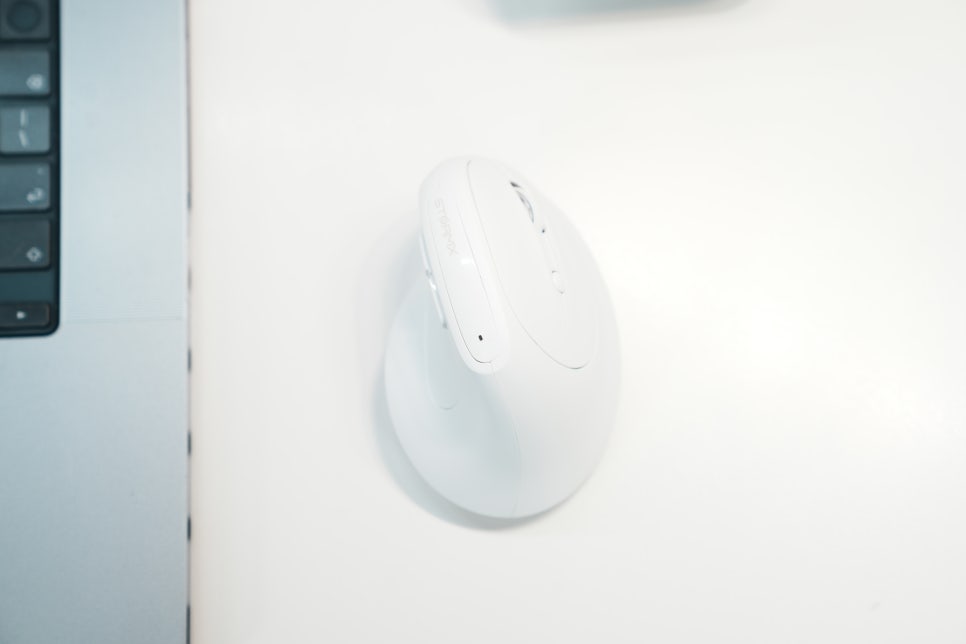
Who is this mouse for? The VM AIR is ideal if you’re new to vertical mice. If you’re starting to feel wrist strain from traditional mice and want something light and not bulky, it’s worth considering as an entry-level recommendation. It combines wrist protection, a light design, and simple connectivity. It’s also a good fit for those who do a lot of document work or switch between laptops and desktops frequently.